Editor Blocks
5 min
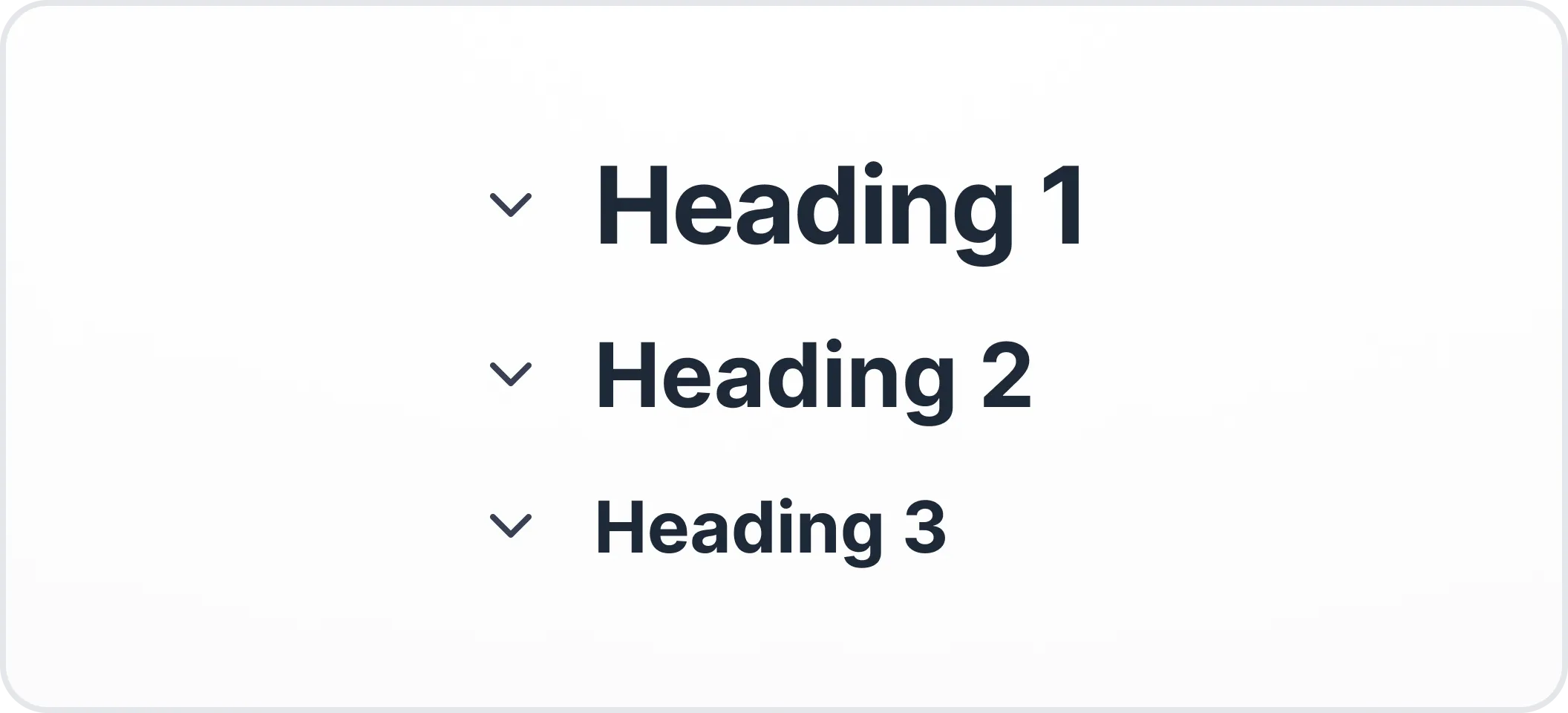
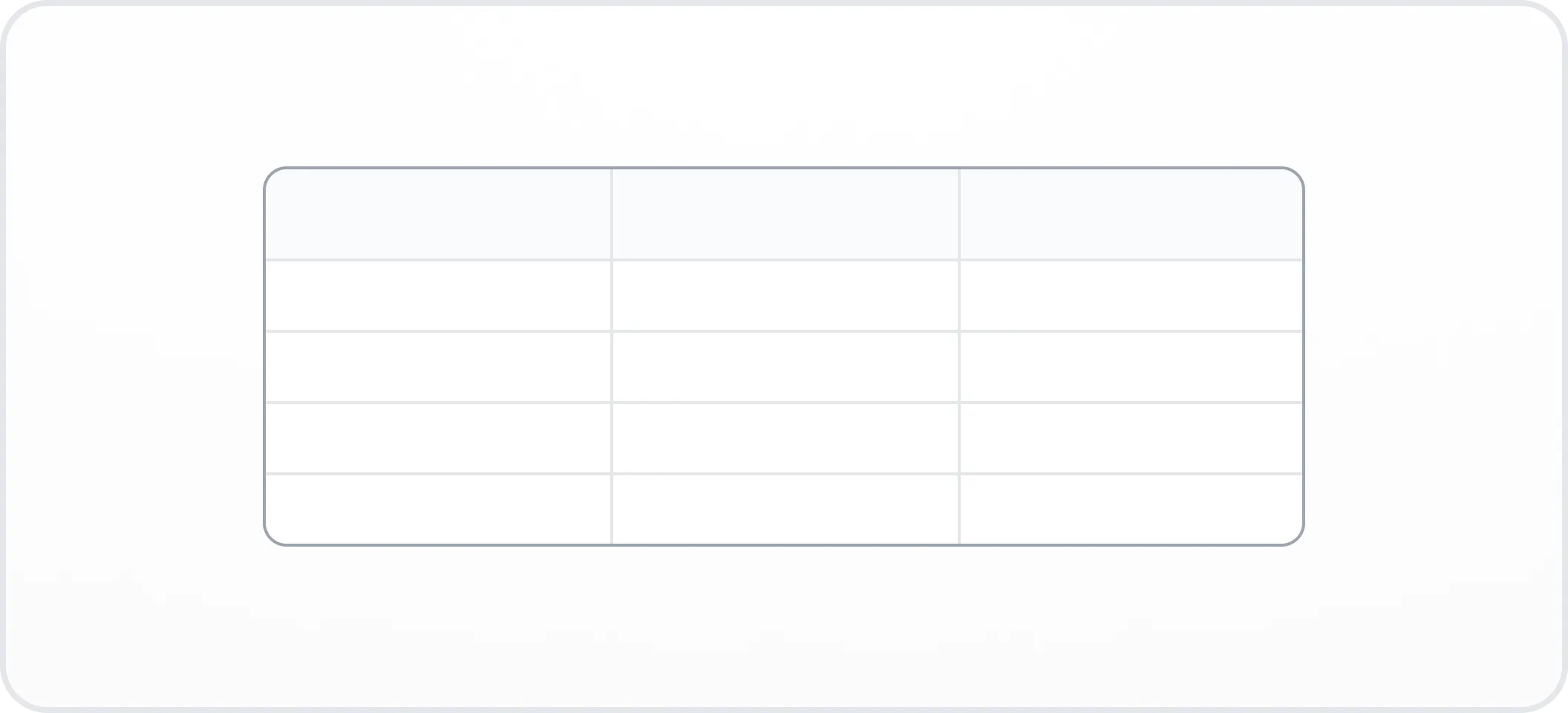
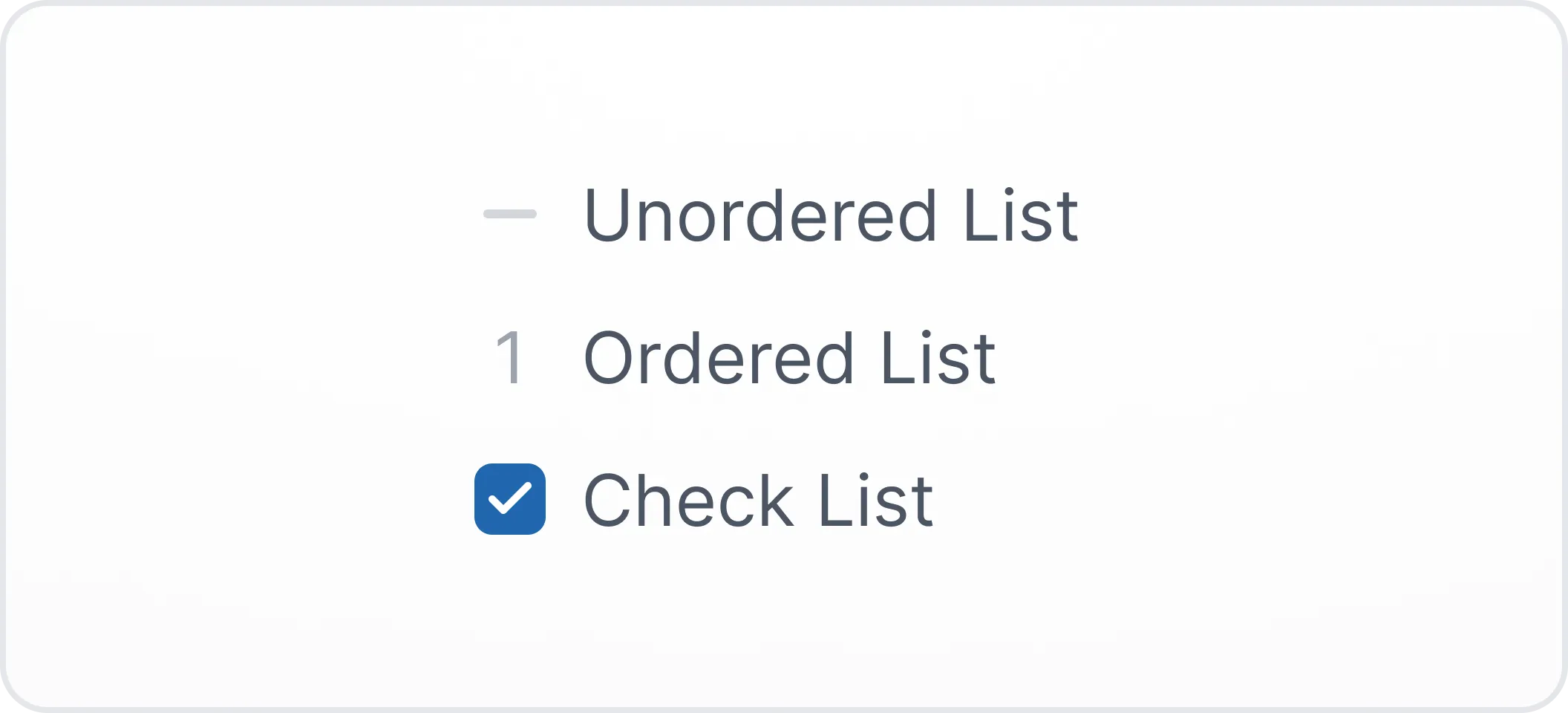
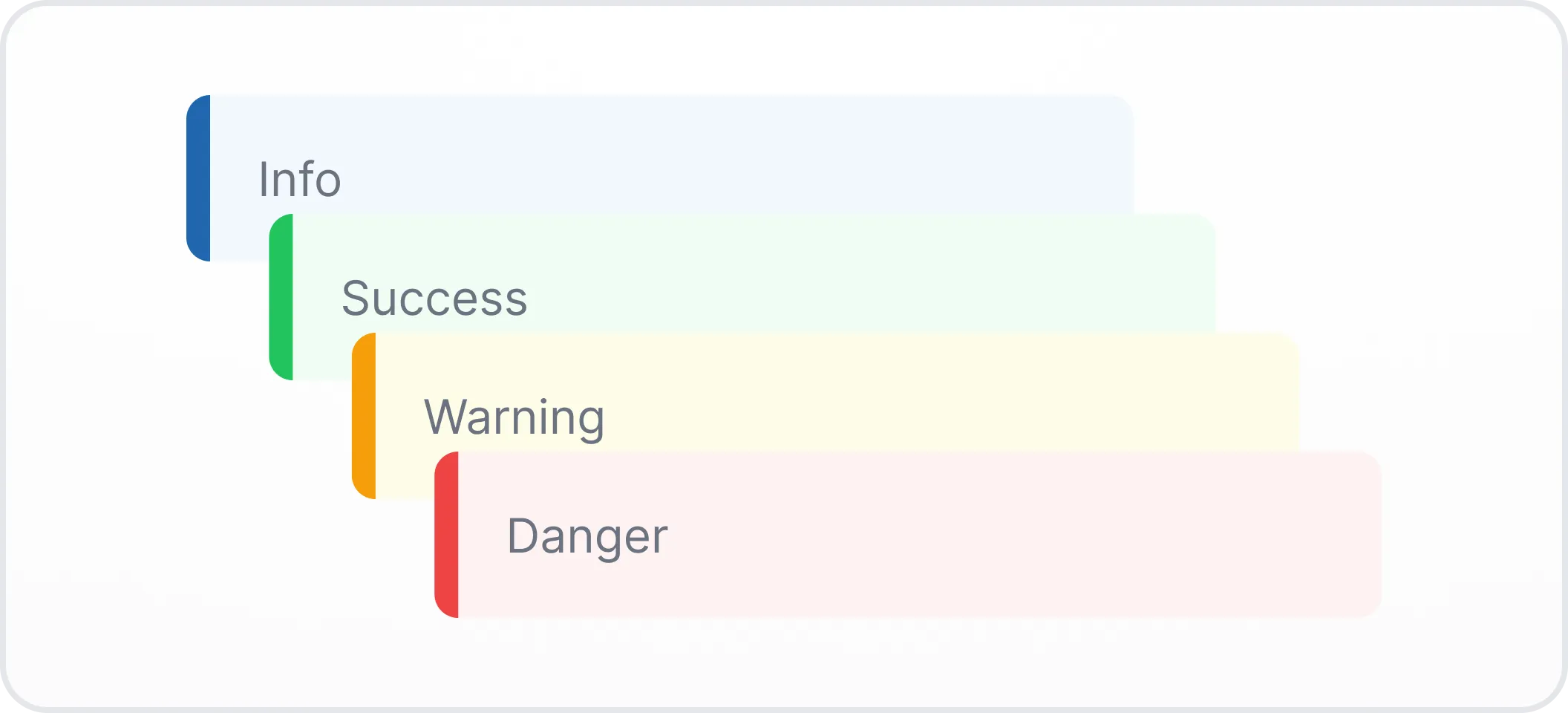
Imagine Archbee blocks as the building blocks for your documentation.
They are like Legos that you can use to create your documentation exactly how you want it.
There are all sorts of blocks to choose from, so you can add whatever you need to make your documentation informative and easy to understand.
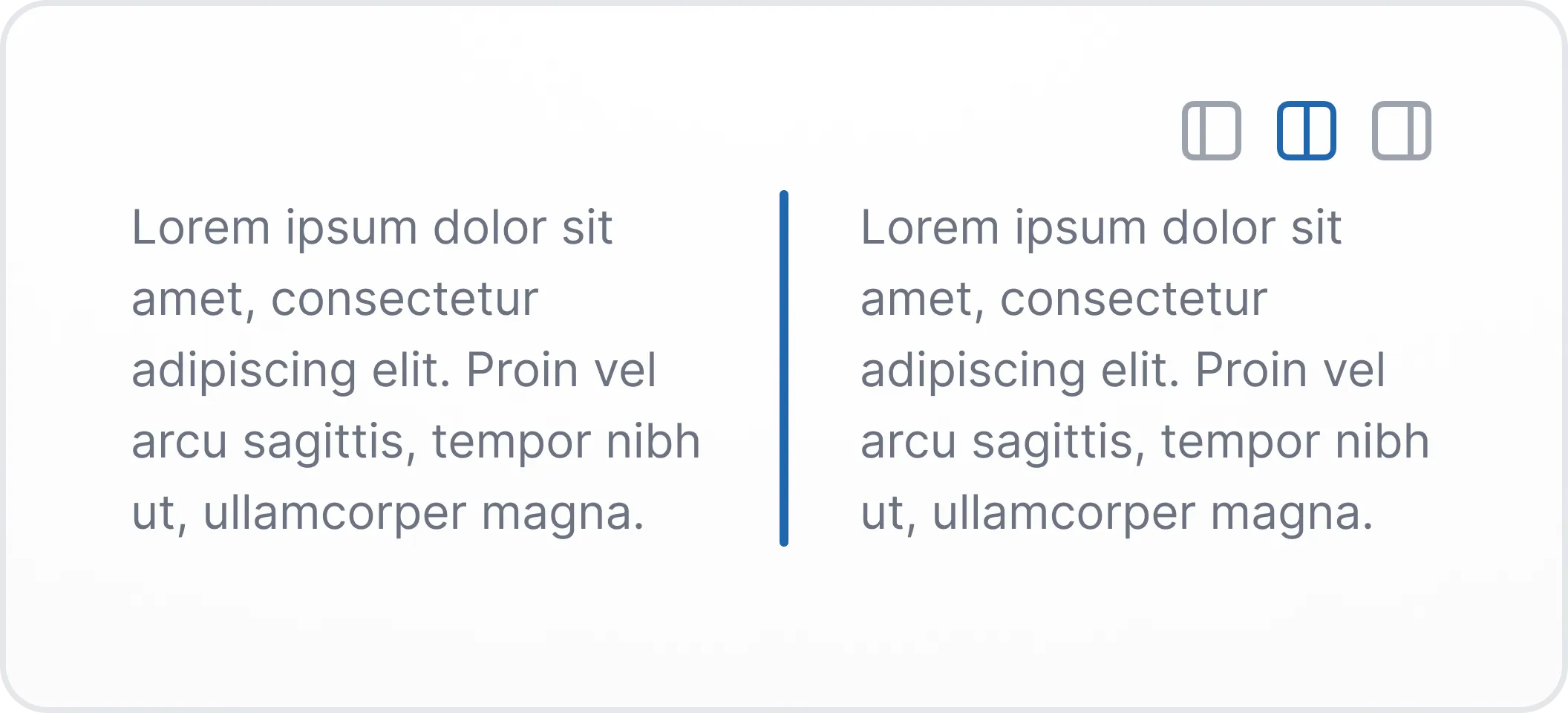
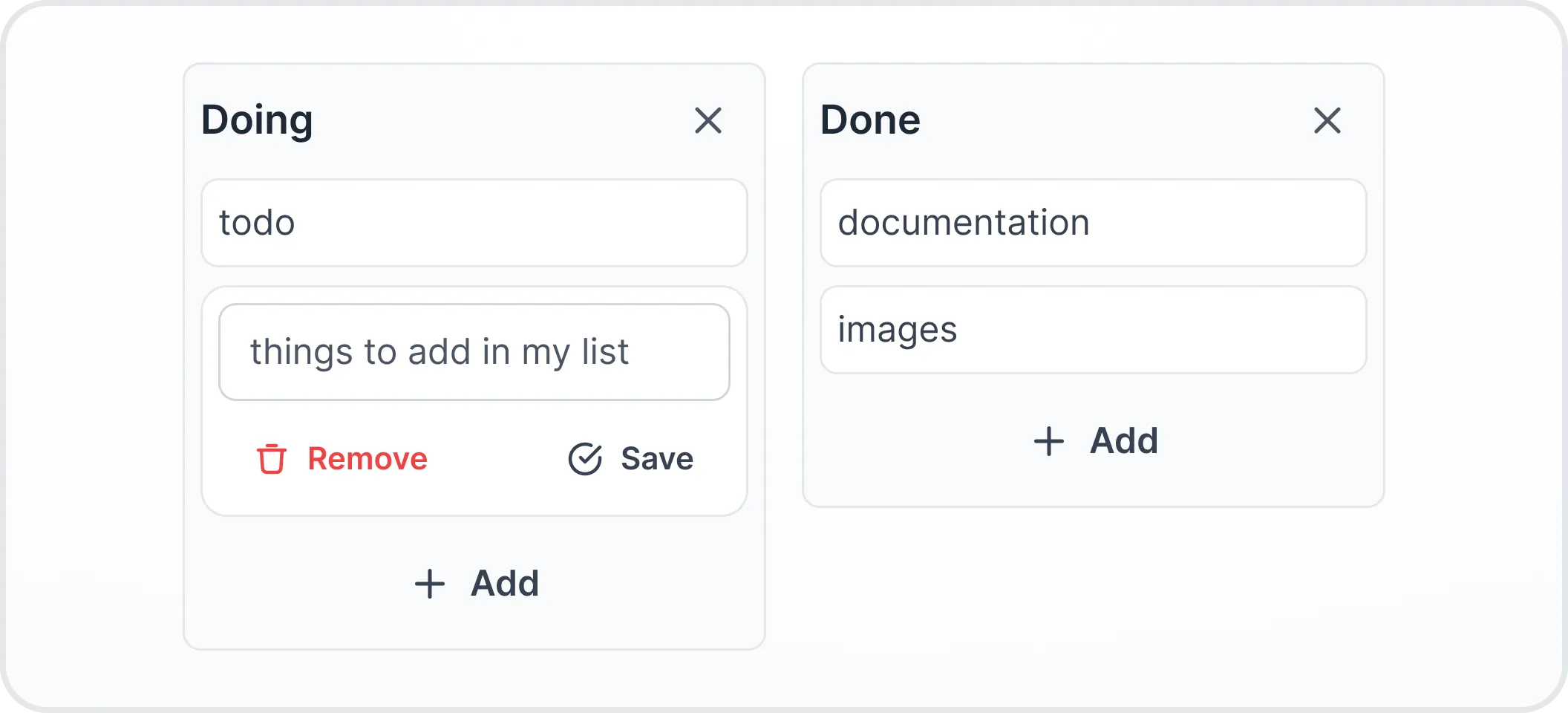
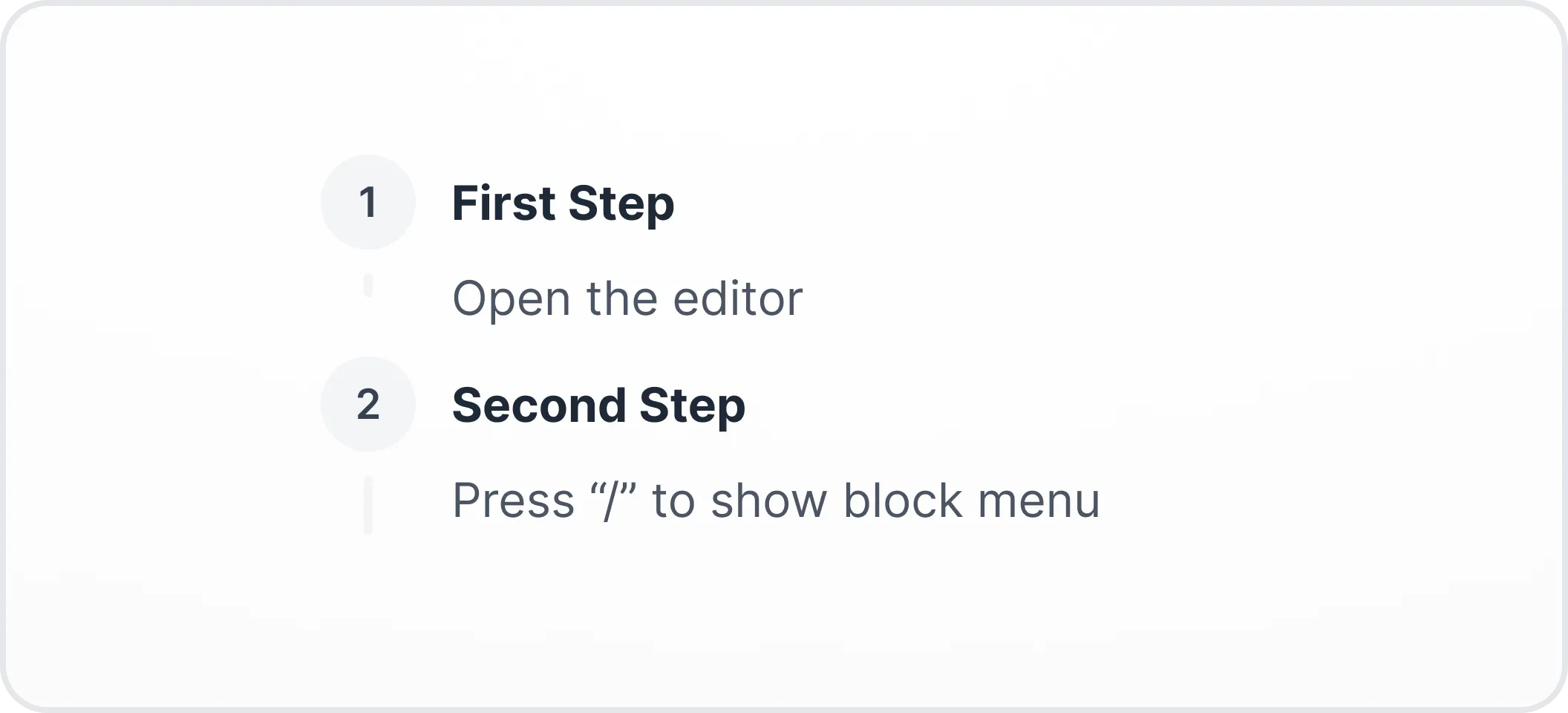
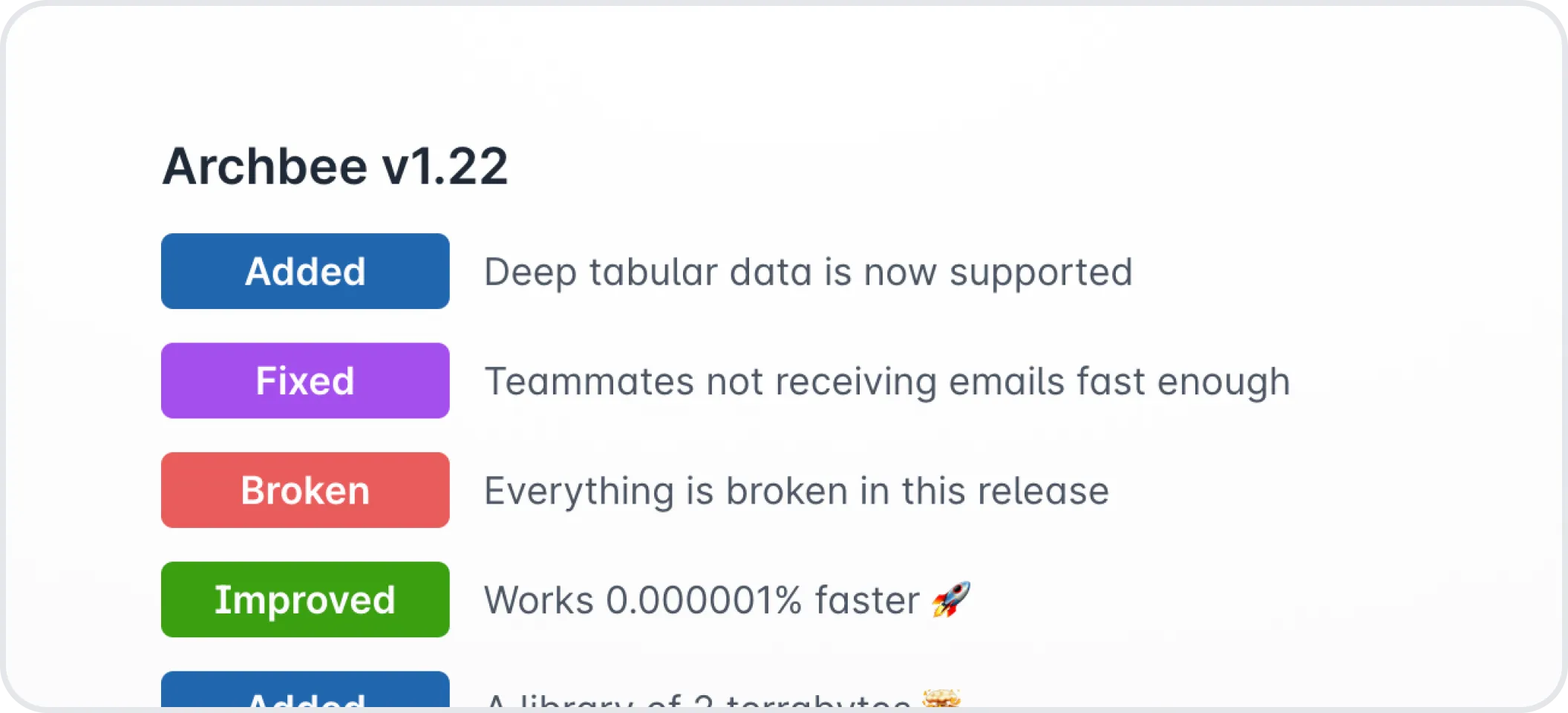
Basic blocks



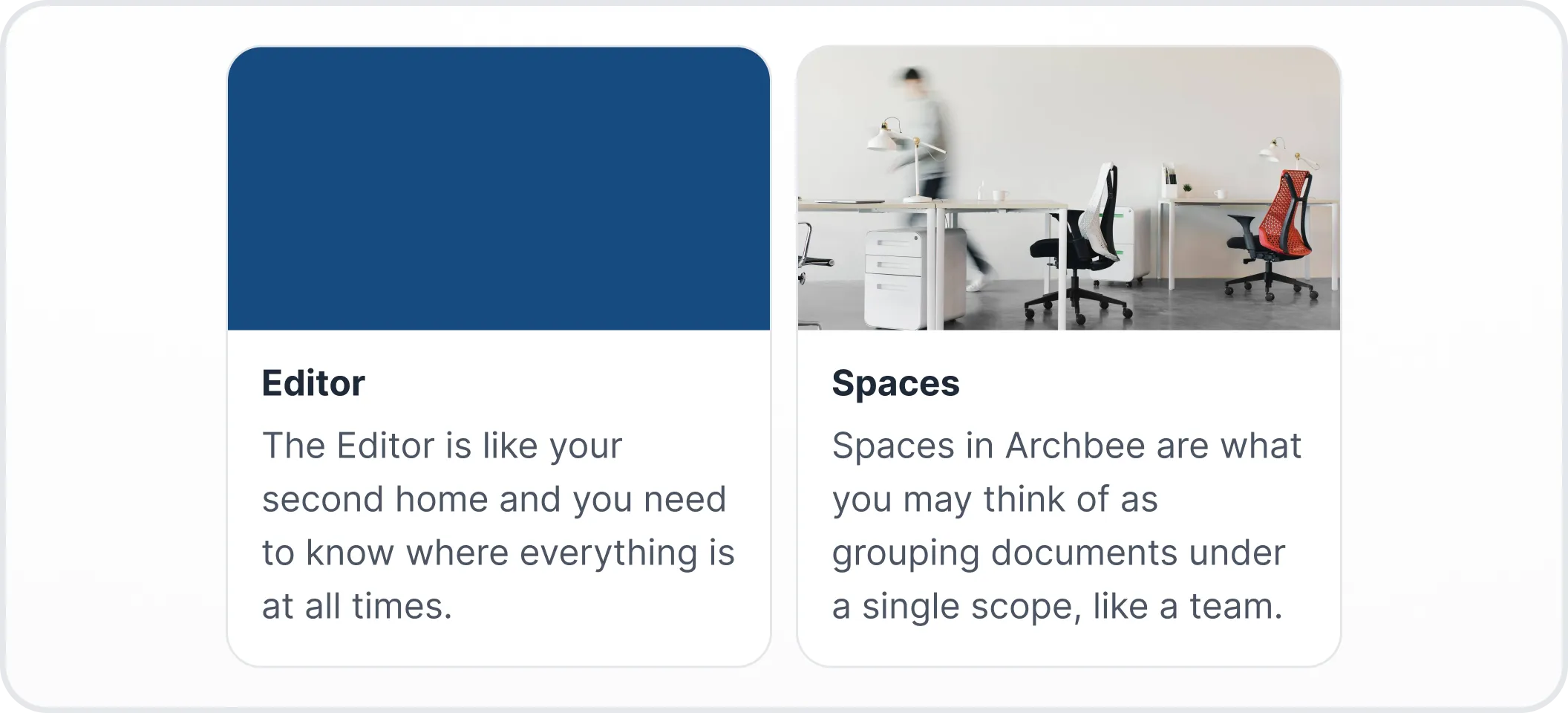
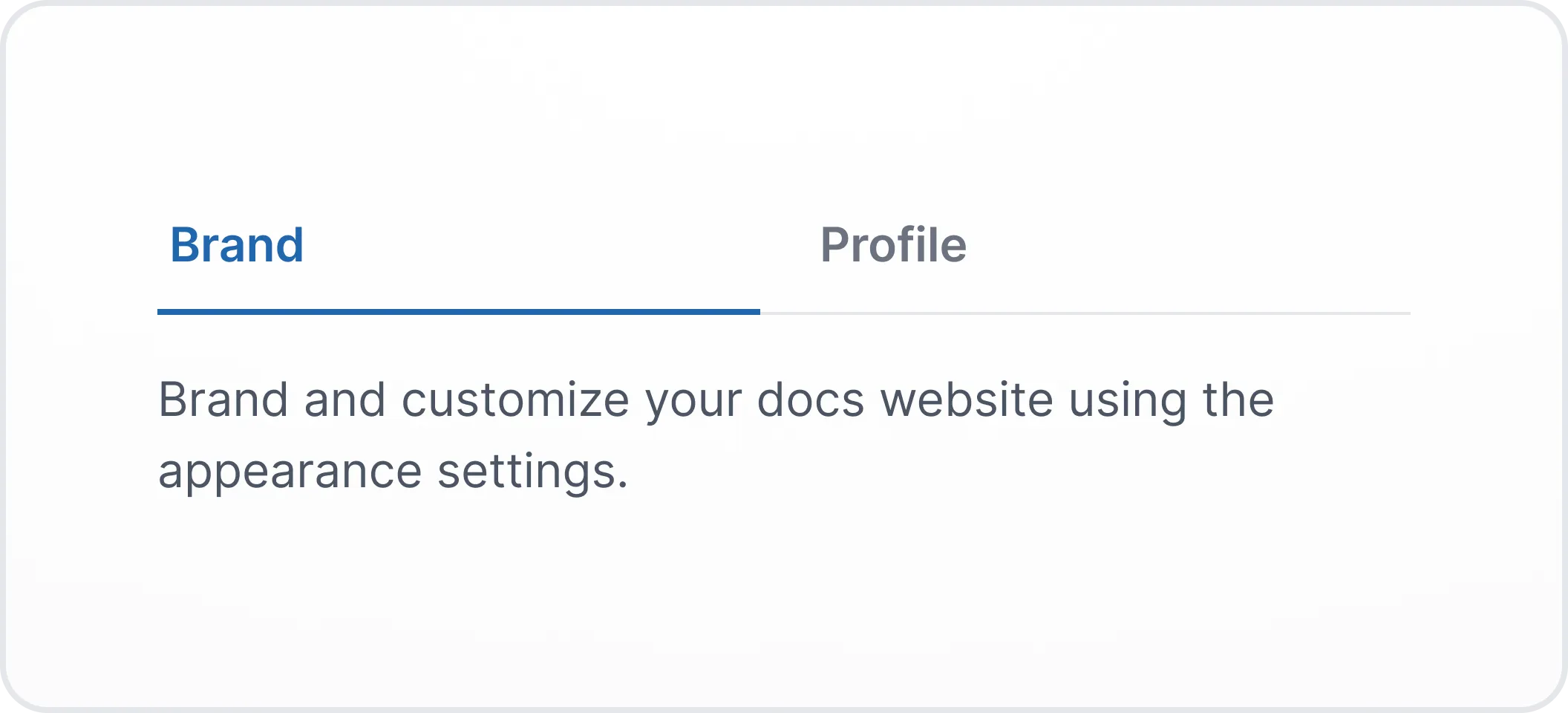
Media blocks
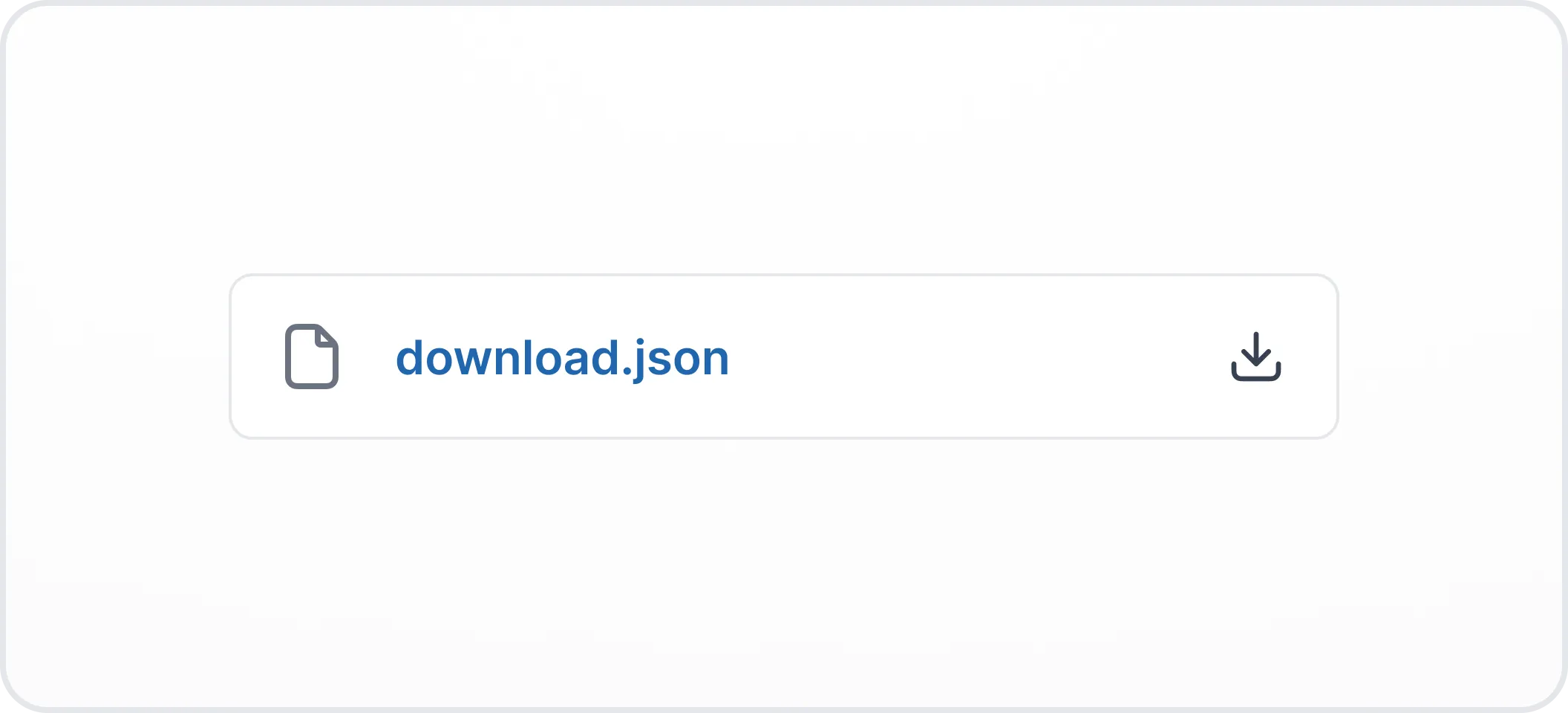


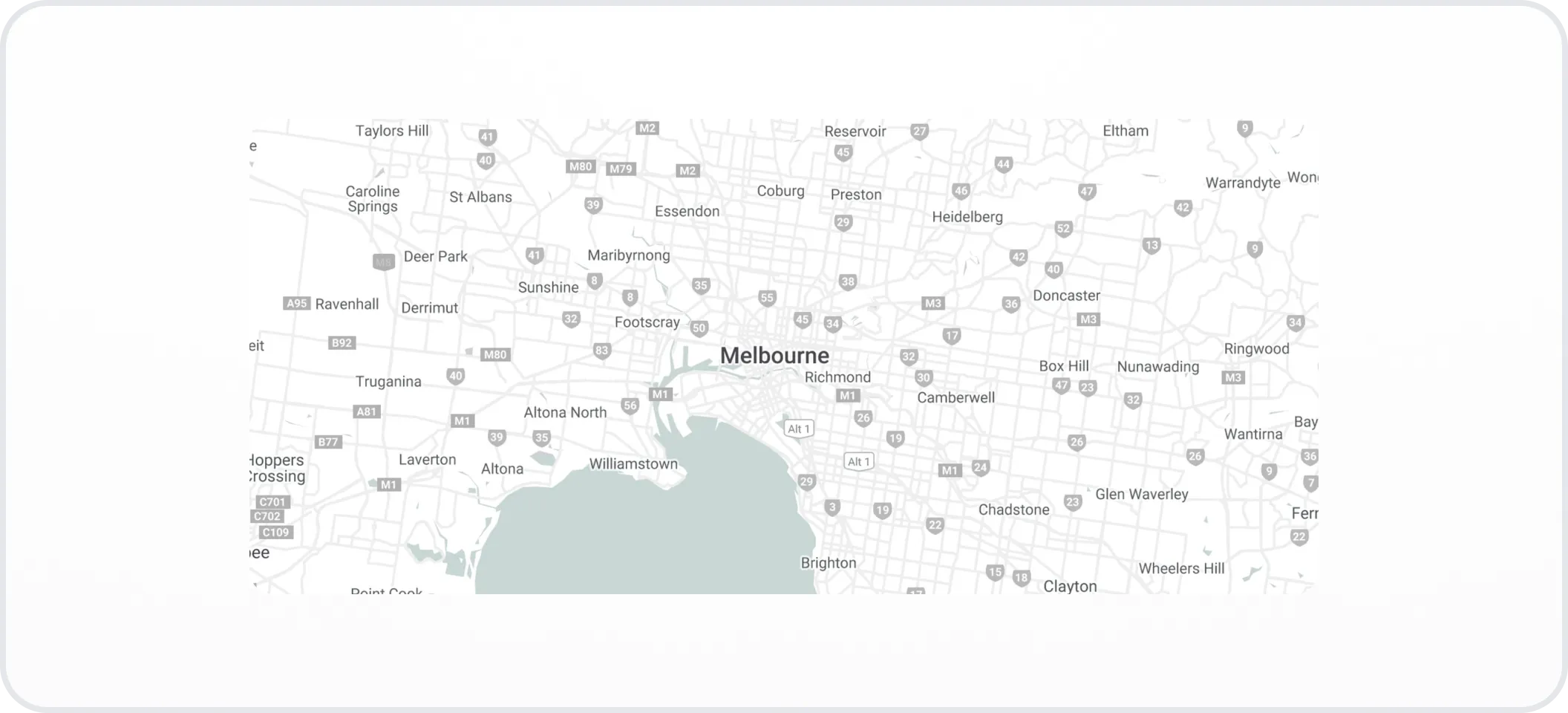
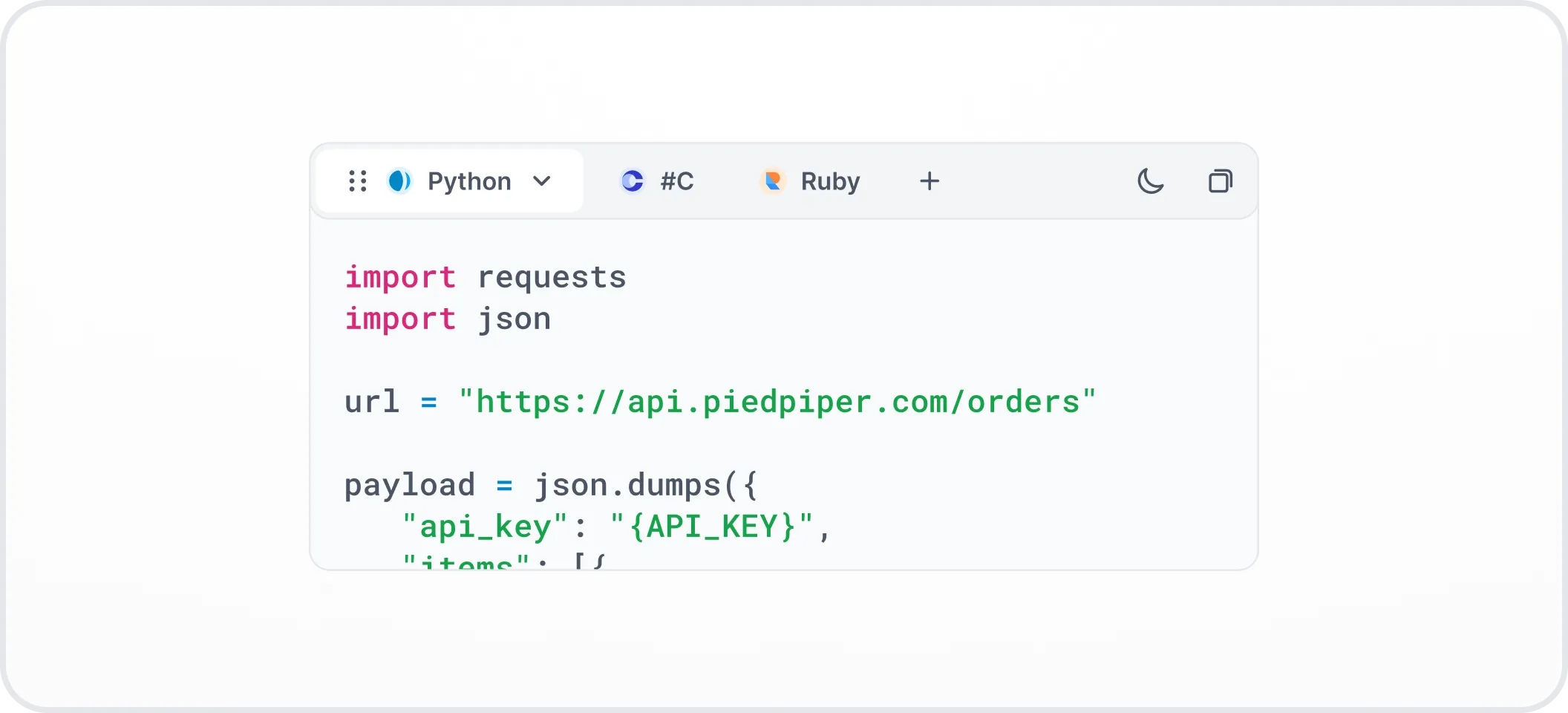
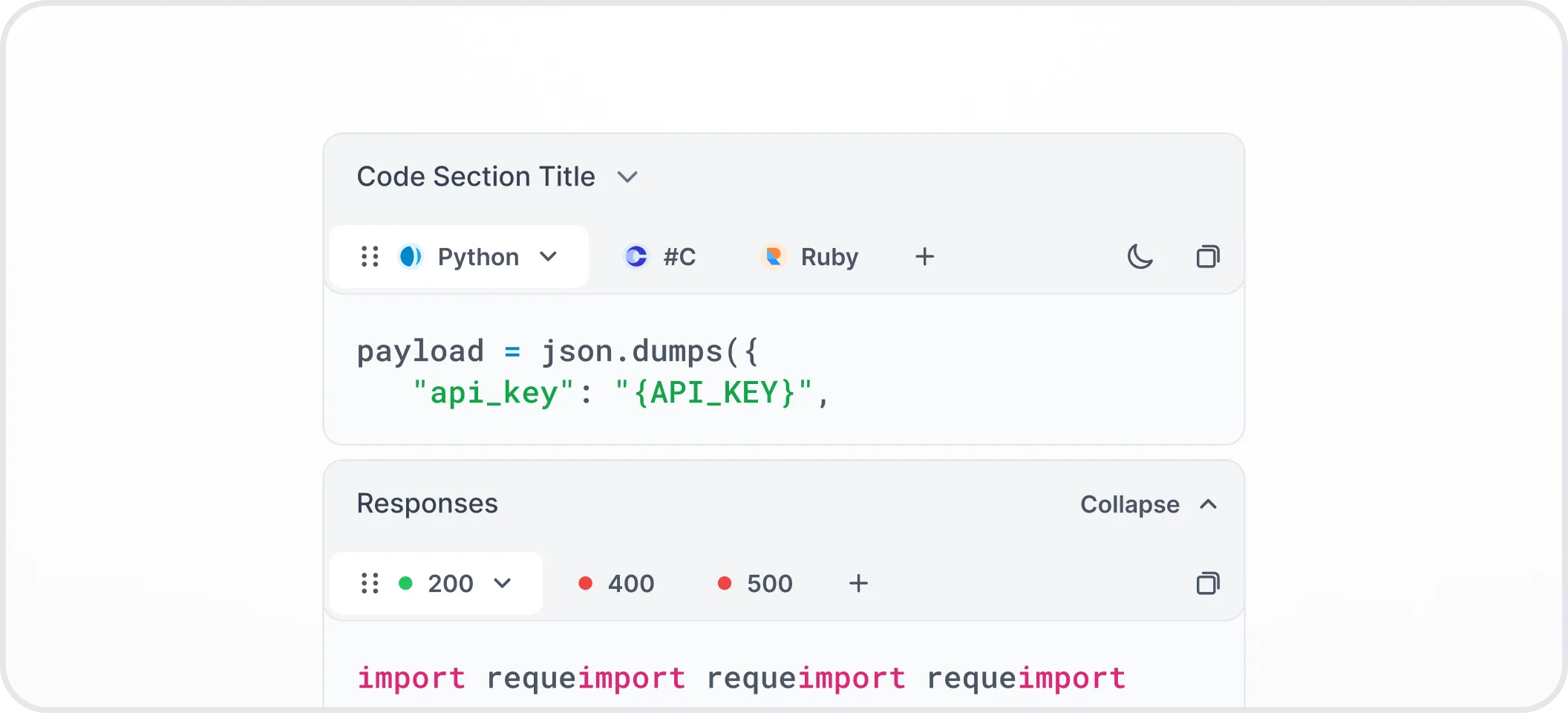
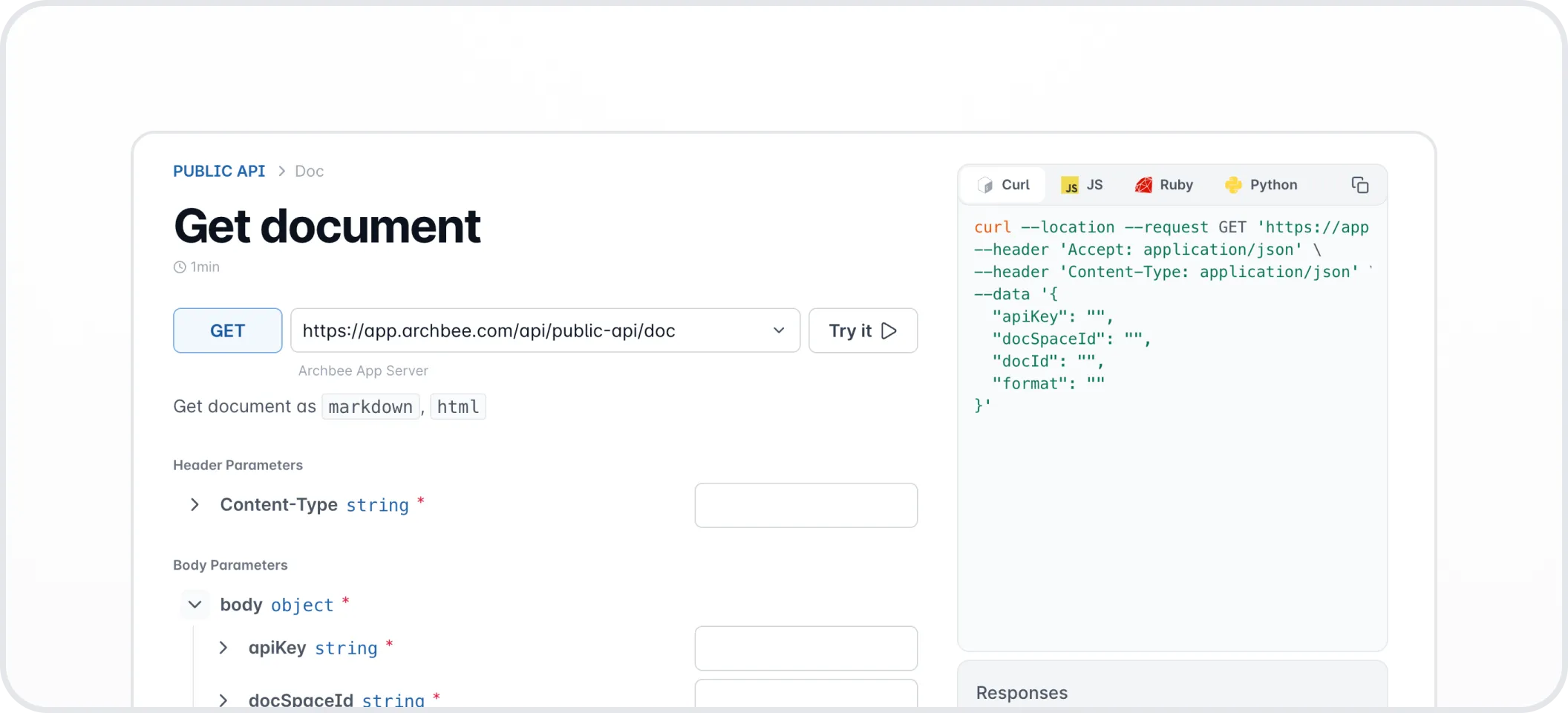
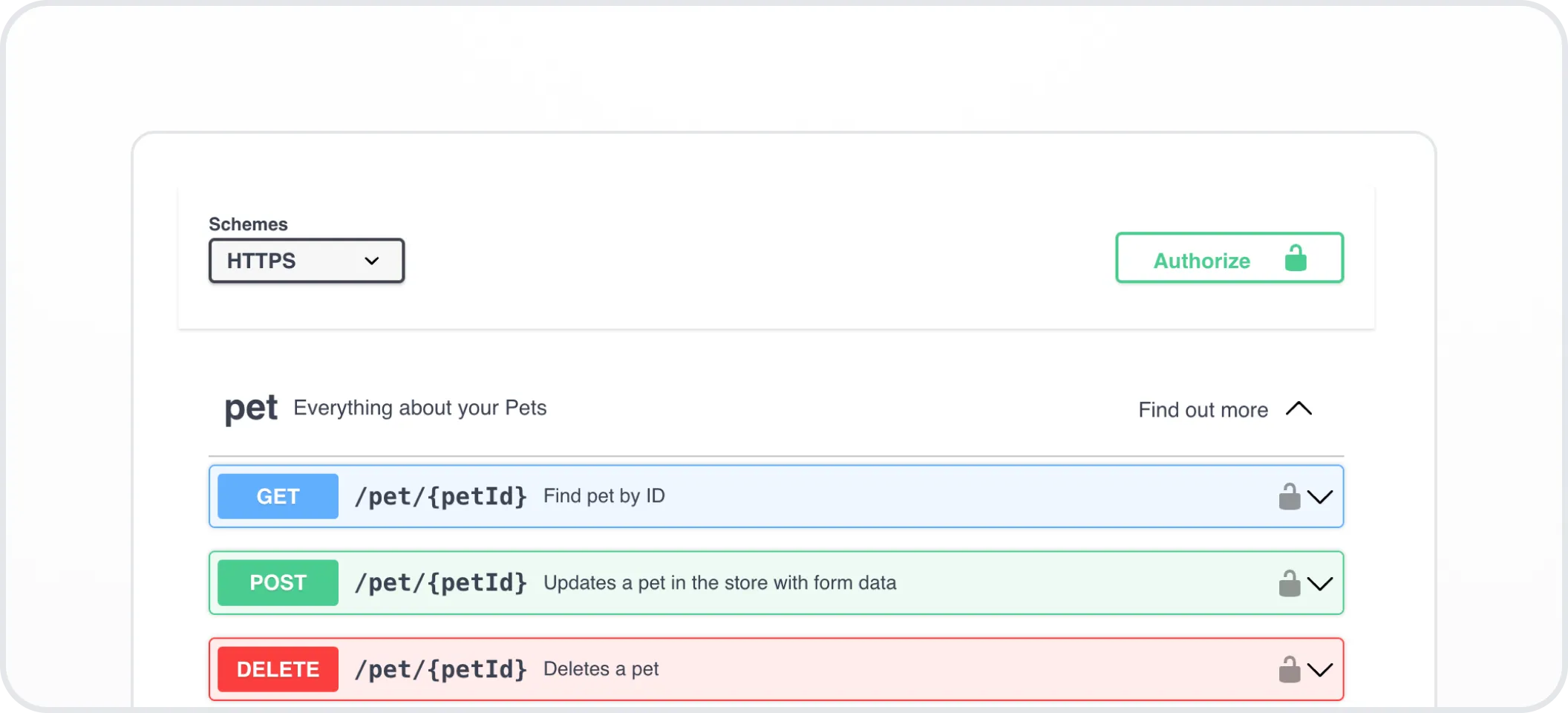
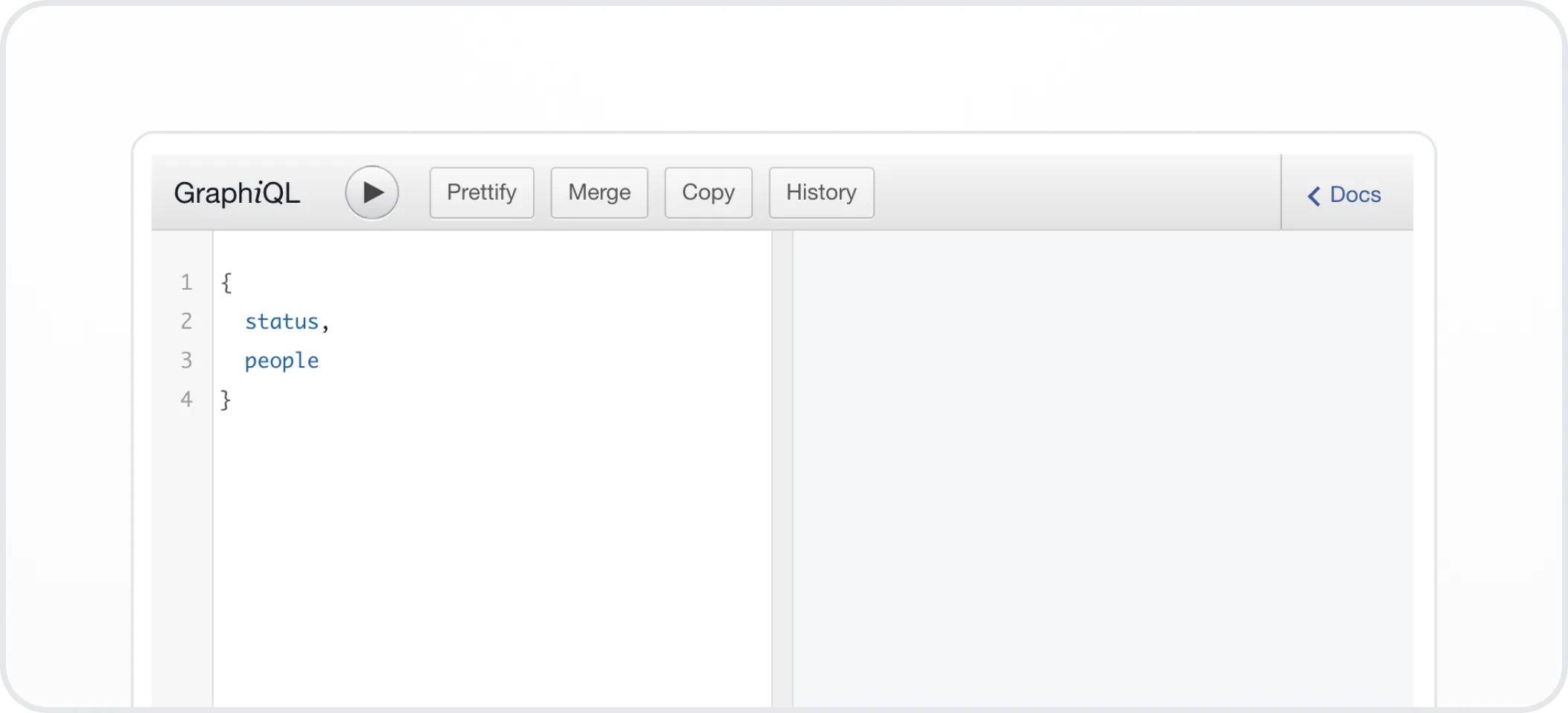
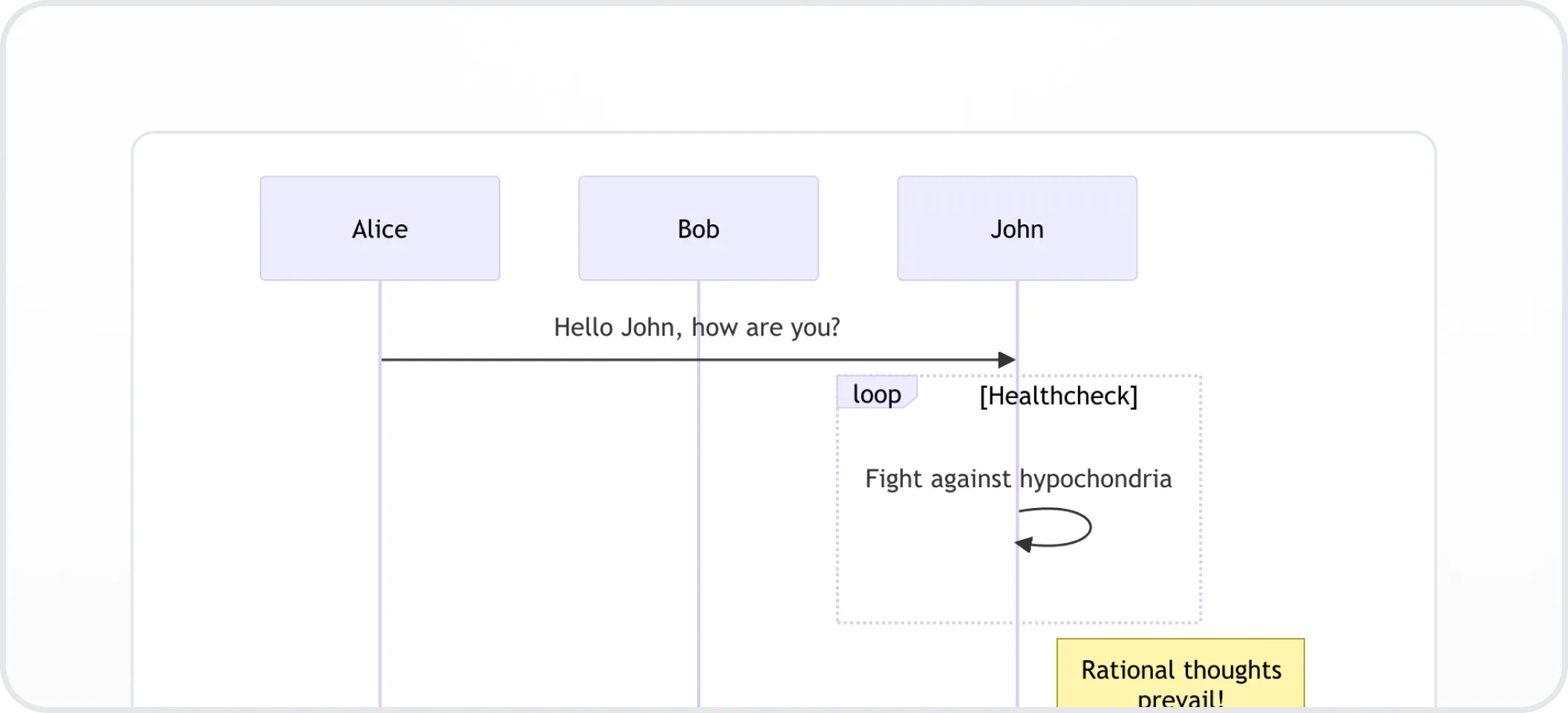
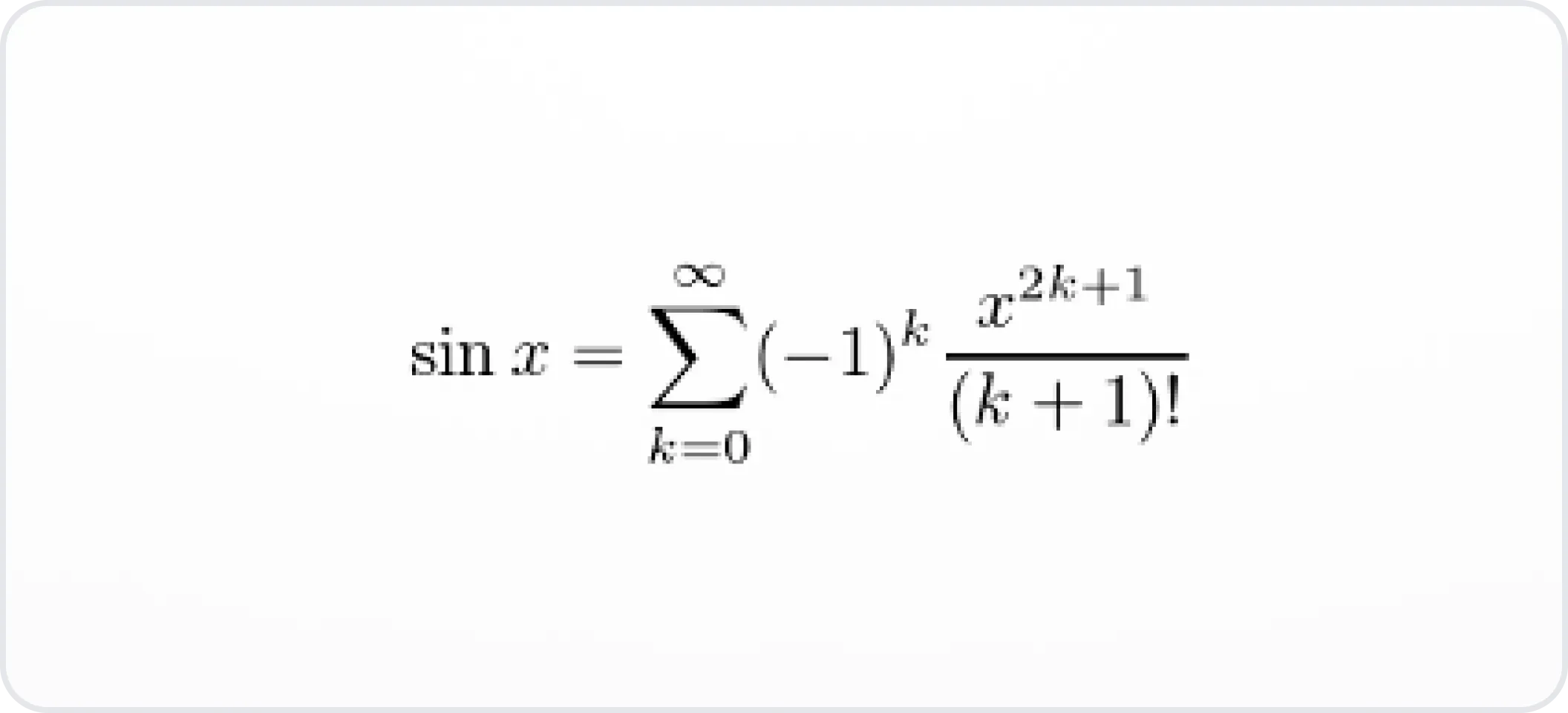
Developer blocks
Embed blocks
Most of our integrations work inside the editor. You can add embeds from other tools like Loom, Figma, Miro, Lucidcharts, and more.
Check the Embed Examples page for more info.
Content Snippets
Reusable blocks of content that you can insert into multiple documents. Create them once, then easily add them wherever needed, saving time and ensuring consistency across your documentation.
Check the Content snippets page for more info.
Have a question?
Our super-smart AI, knowledgeable support team and an awesome community will get you an answer in a flash.
To ask a question or participate in discussions, you'll need to authenticate first.