Workflow
We designed the Workflow block to help you create and organize step-by-step processes in your documentation.
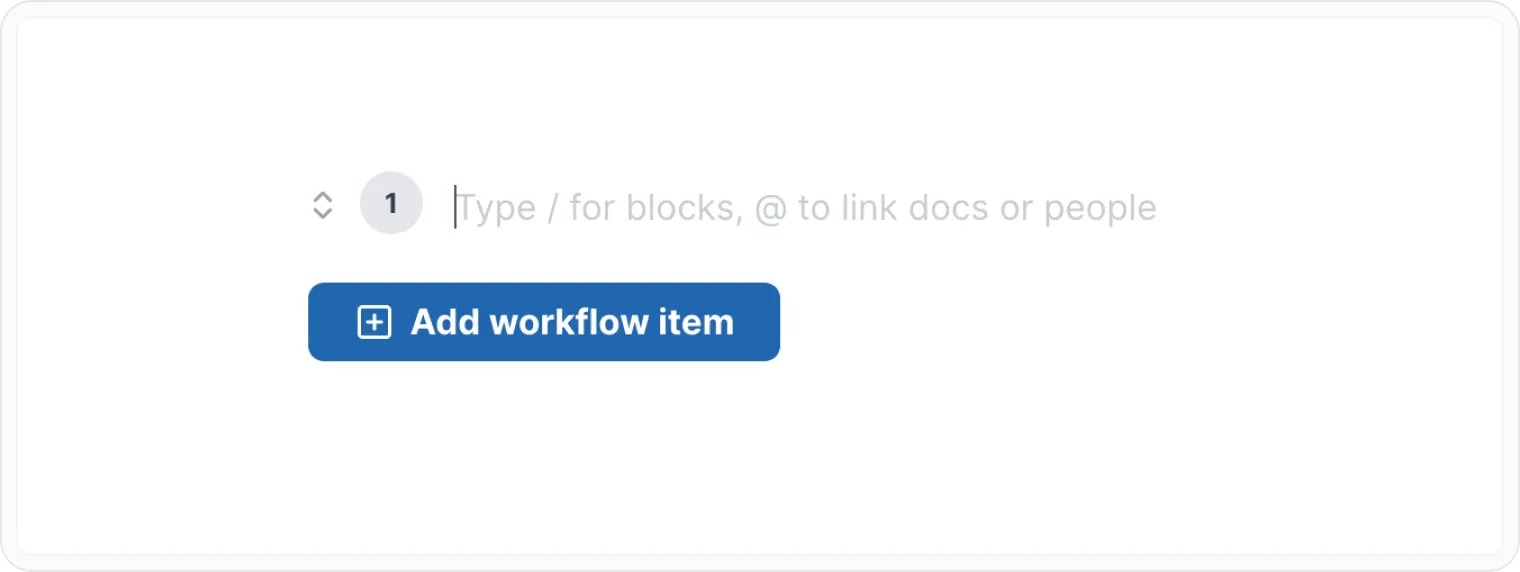
This powerful block supports seamless integration of other blocks within each item of the workflow, allowing you to further create detailed and visually appealing process documentation.
Why to use it?
- Enhanced Clarity By breaking down processes into manageable steps, you improve readability and comprehension for your audience.
- Improved Organization The Workflow block provides a structured framework for your content, making it easier to navigate and understand.
- Visual Appeal The block's visually appealing design enhances the overall presentation of your documentation.
- Flexibility The Workflow block supports nested blocks, allowing you to add additional details and context within each step.
How to use the workflow block?
Insert a Workflow block
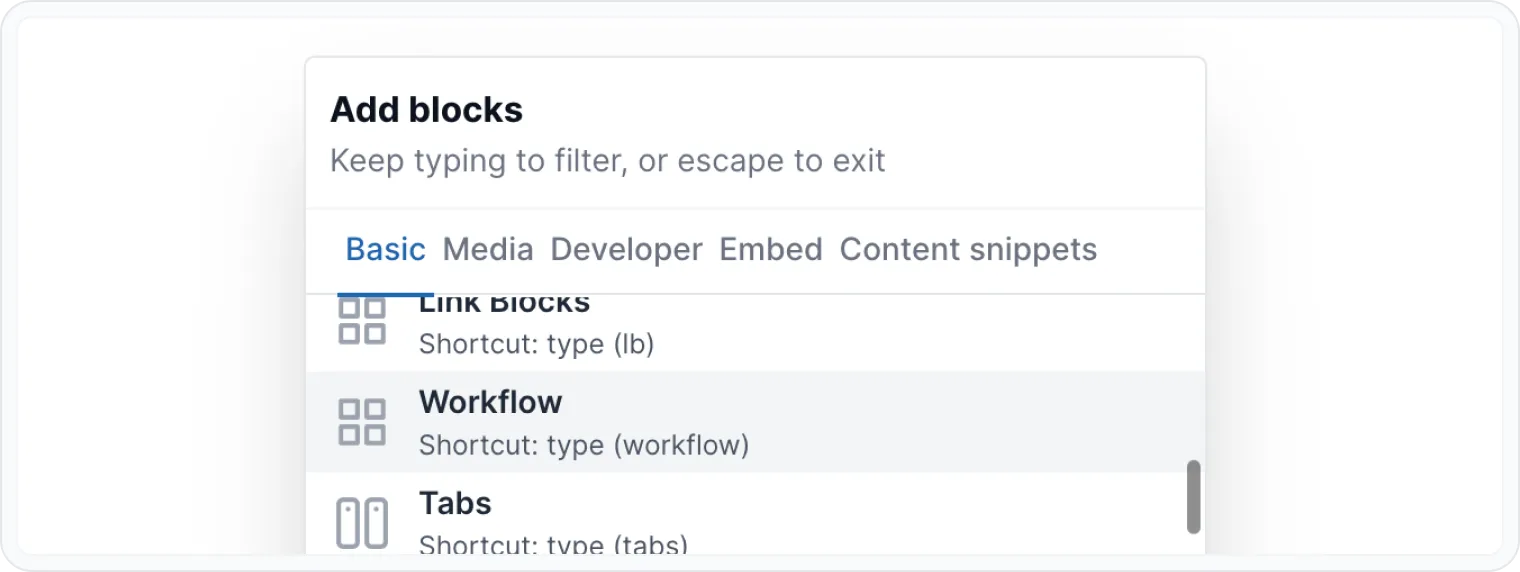
- Press / on an empty paragraph to open Archbee blocks menu, type workflow and press enter. You can also scroll to find the block.
- You can type directly (workflow) in an empty paragraph to change it to workflow block.
- Click within the step and start typing to create your first step. You can style the content however you like using the WYSIWYG Menu.
Add steps
- Use the + Add workflow item button to create additional steps.
- To edit a step, simply click on it and make your changes.
Reorder steps
Click on move arrows ( ↕ ) and drag & drop steps to rearrange their order within the workflow.
The steps in your Workflow block will automatically renumber as you reorder them.
Delete steps
- Click on a step you want to delete.
- Remove all the content inside of this step.
- Press Backspace delete the step.
The steps in your Workflow block will automatically renumber as you reorder them.
Add nested blocks
Within a step you can add nested content blocks (e.g., images, code, etc.).
Press / on an empty paragraph, inside of a step, to open Archbee blocks menu. Here, you can add:
Basic Blocks
Developer Blocks
Also, most of our integrations work inside workflow block. You can add embeds from other tools like Loom, Figma, Miro, Lucidcharts, and more.
Check the Embeded Blocks page for more info.
Examples
We know you've seen plenty of workflow blocks in our documentation, but this one's a cut above the rest.
Choose Your Cut
- Quality — Opt for a prime cut like ribeye, sirloin, or porterhouse.
- Thickness — Aim for a steak that's at least 2.5 cm (1 inch) thick for optimal tenderness and juiciness.
Preparation
- Pat Dry — Remove excess moisture with paper towels.
- Season — Generously sprinkle with salt and freshly ground black pepper.
- Let It Rest — Allow the steak to sit at room temperature for about 30 minutes.
Cooking
- Heat — Preheat your grill or skillet to a high temperature (around 450°C/840°F).
- Sear — Cook for 3-4 minutes per side for medium-rare, or adjust according to your preference.
- Rest — Let the steak rest for 5-10 minutes before serving.
Enjoy!
- Slice — Cut the steak against the grain for tender slices.
- Serve — Pair with your favorite sides like roasted potatoes, grilled asparagus, or a side salad.
👨🍳 Enjoy the juicy, flavorful steak 🥩 you've expertly prepared.
Find other blocks
Discover new ways and blocks to create stunning and functional documentation pages.
Need help? ⬇️
Use the blue chat bubble from bottom right corner.
Or try AI Chat (from search box) for quick answers.
Your opinion matters
Use the below feedback form, anonymously.
Or ask a question in Q&A section and our team or AI will give you a solution.