Vertical Split
5 min
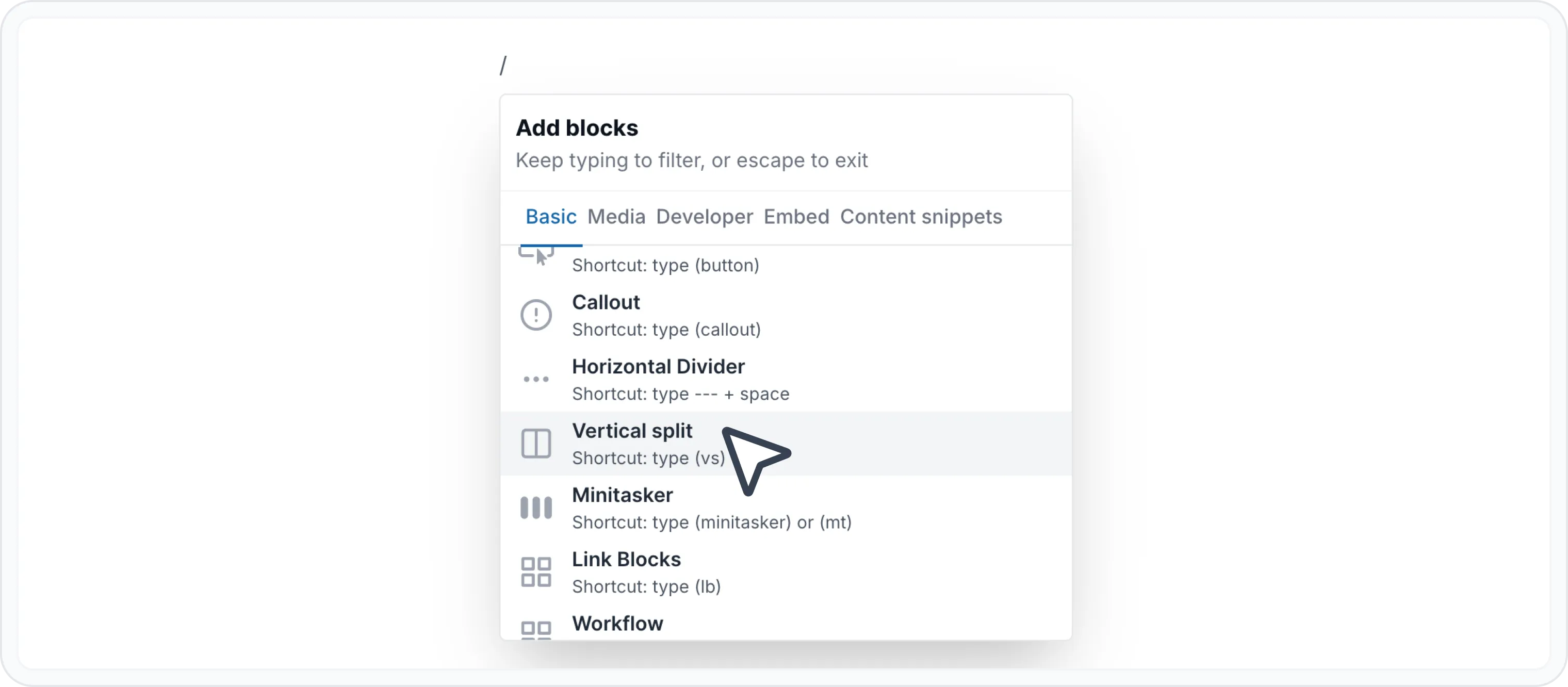
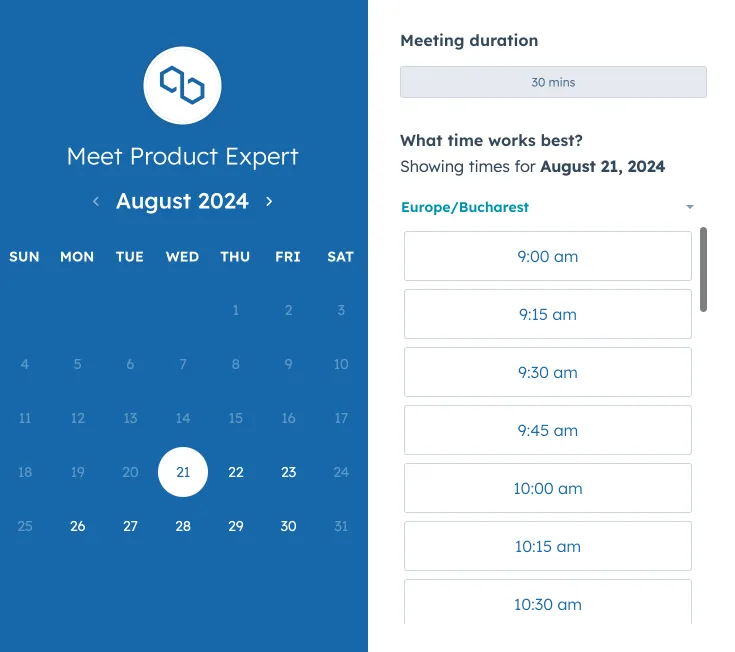
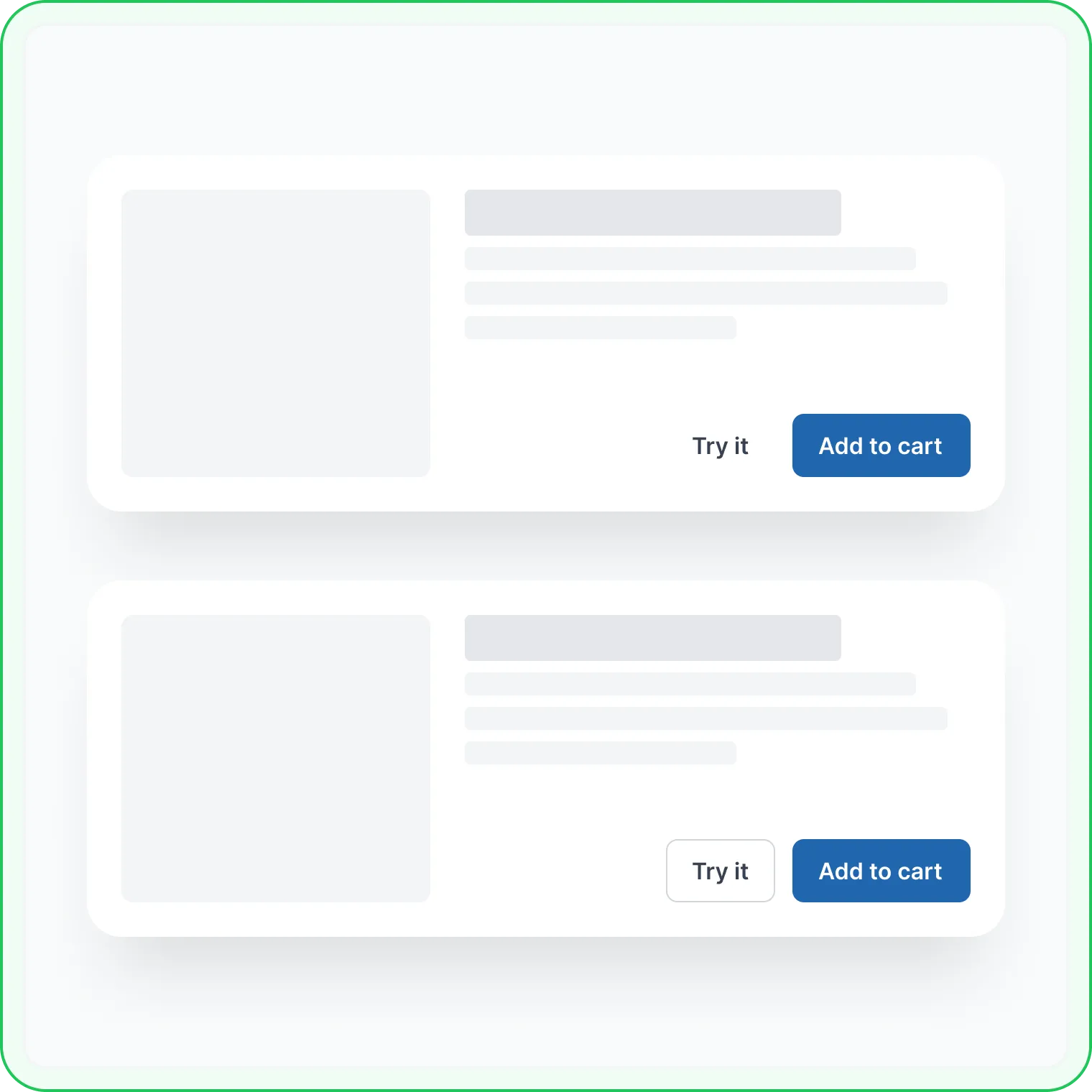
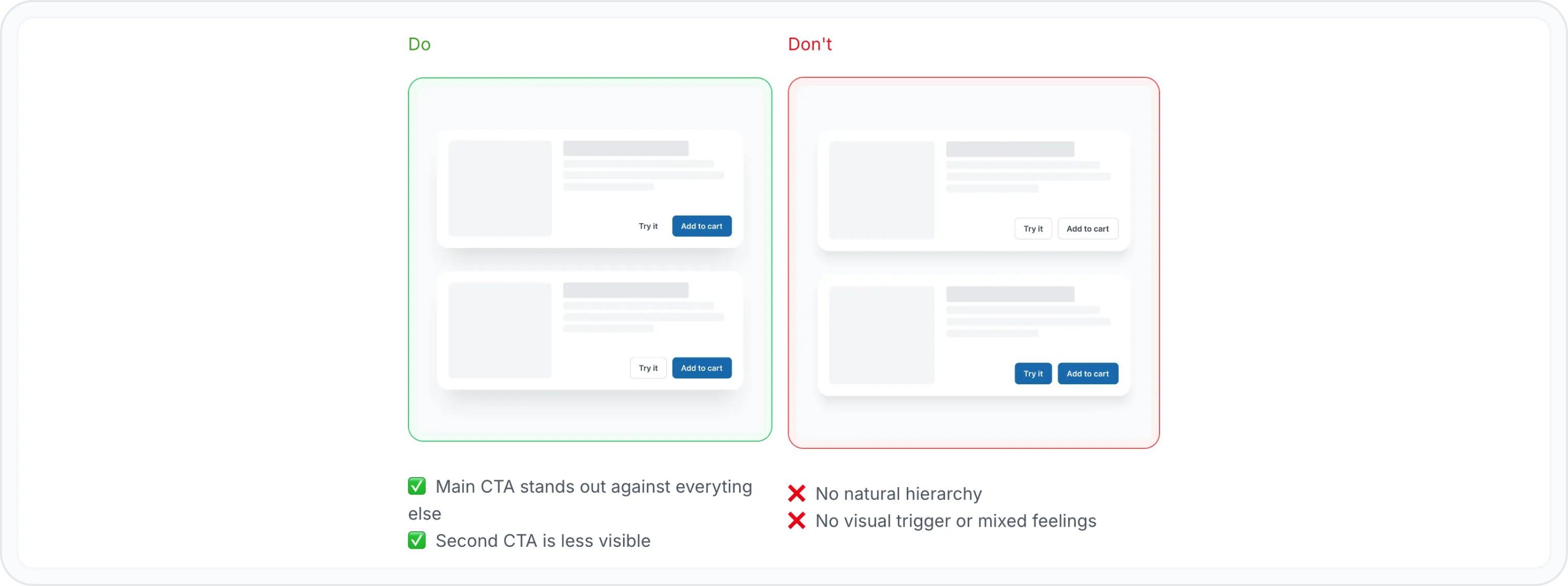
it splits your content into two side by side columns, giving you the flexibility to present information in a visually engaging way it's like having two canvases to work with, side by side when to use it compare and contrast showcase similarities and differences between two topics or products create side by side content display related information together, such as features and benefits improve readability break up long sections of text with visual elements showcase multiple examples present different options or variations side by side how to use the vertical split block type / to open archbee block menu search for vertical split block and click to insert insert choose the width proportions form upper right corner you have 3 options 30/70 split 50/50 split 70/30 split feel free to add your content you can style the content however you like using the wysiwyg menu or even insert other blocks, like headings docid\ xuigjh2q3hkbskxzrbvju expandable headings docid\ xqqgjsgddgtgypjb5cwdp lists docid\ i 4 vf3wm7o050cfuvqbr button docid\ mxshkn a7bvtexbetuddz callout docid\ k0d uzhhjrjrxram cvca horizontal divider docid\ mnv fxibxu12srnizk84h minitaskers docid 2c e8boo2agtc okiljtg file docid\ dqfw3xepklszv6tl2x nb image docid\ yzskdsvg7cloevrsizicd video docid\ g41ayboj qqetzhkugaif map docid\ pv4pibouwjsv6 9npr6v code editor multi language docid\ fbchj3yehmm6m sova3aj embed examples docid\ xuz8uceyep7vm6 xcwadp examples compare plans — clearly outline the features, pricing, and benefits of different plans in a side by side comparison standard features to manage and distribute documentation \<font color="#2166ae">\</font> unlimited readers \<font color="#2166ae">\</font> unlimited project spaces \<font color="#2166ae">\</font> public or private portals \<font color="#2166ae">\</font> custom domain & branding \<font color="#2166ae">\</font> custom javascript \<font color="#2166ae">\</font> password protection advanced features and full branding for scaling documentation \<font color="#2166ae">\</font> everything in growing \<font color="#2166ae">\</font> complete branding control \<font color="#2166ae">\</font> review system \<font color="#2166ae">\</font> reusable content & variables \<font color="#2166ae">\</font> versioning & localization \<font color="#2166ae">\</font> advanced team access control \<font color="#2166ae">\</font> advanced reader access control check more details on https //www archbee com/pricing https //www archbee com/pricing page step by step guide — show visual instructions or code snippets in one column, while providing written explanations in the other (for how to guides you can use workflow docid\ api5kntv3zsik3bveohxh block) discover how archbee can help you deliver documentation that answers questions for end users, devs and team book a slot and chat to our head of product for a walk through (definitely not a sales call!) do's and don'ts — clearly outline best practices and potential pitfalls in one column, and the corresponding explanations or consequences in the other \<font color="#3b9f0f">d\</font> \<font color="#3b9f0f">o\</font> ✅ main cta stands out against everyting else ✅ second cta is less visible \<font color="#eb1418">don't\</font> ❌ no natural hierarchy ❌ no visual trigger or mixed feelings will using archbee make me rich? we can't promise that, but it's worth a shot after all, if it doesn't make you a millionaire, at least you'll have a really fancy looking documentation and let's be honest, who needs money when you can have compliments on your documentation portal that answers your user's questions with ai docid\ abvhu12bhs3 queyl85ny ? 🧠 remember the key to effective use of a vertical split is balance ensure the content in each column complements the other and contributes to the overall message of your document experiment with different content combinations to find what works best for your audience find other blocks discover new ways and blocks to create stunning and functional documentation pages check out all blocks docid\ nbk5kodlkfvsw72wzecqq need help? ⬇️ use the blue chat bubble from bottom right corner or try ai chat (from search box) for quick answers your opinion matters use the below feedback form, anonymously or ask a question in q\&a section and our team or ai will give you a solution
Have a question?
Our super-smart AI, knowledgeable support team and an awesome community will get you an answer in a flash.
To ask a question or participate in discussions, you'll need to authenticate first.