Tabs
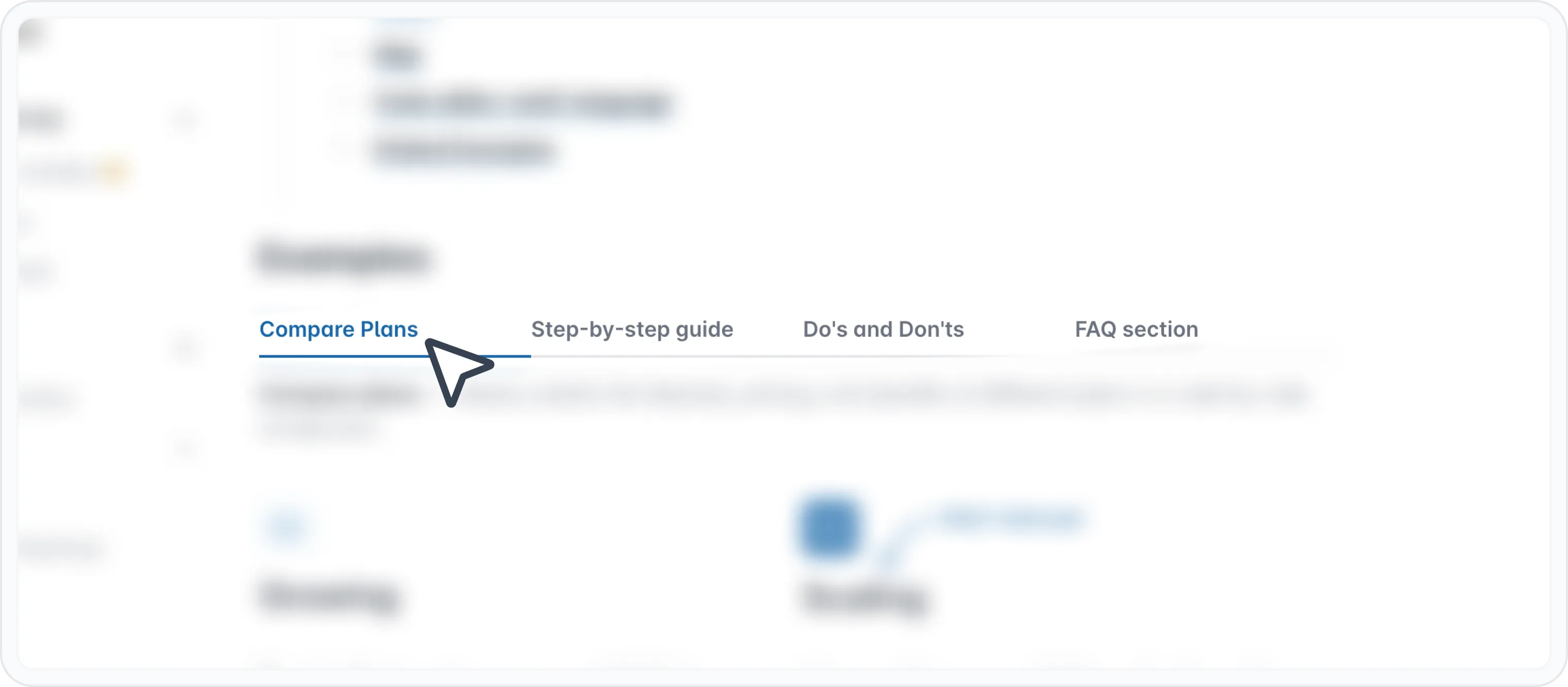
Tabs is a block that allows you to organize content into multiple sections within a single document. It's like a set of tabs that you can click on to reveal different information. Think of it as a way to create multiple pages within one page.
Why to use it
- Organize complex content
- Group related content into separate tabs for better structure and readability.
- Improve readability
- Make your content easier to navigate and understand.
- Save space
- Use eficiently the space by displaying content sequentially rather than all at once.
- Create interactive experiences Engage users by allowing them to actively choose the information they want to see.
How to use the Tabs block
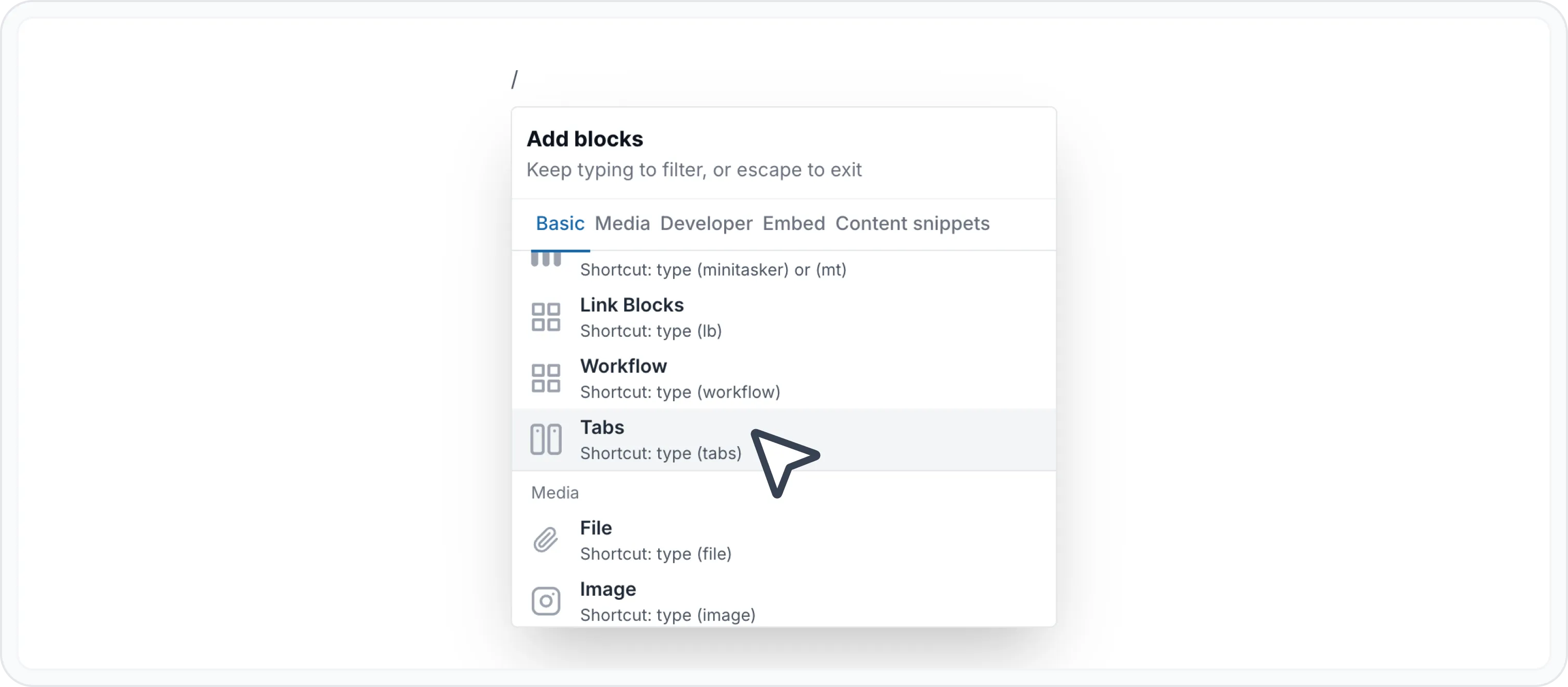
Type / to open Archbee block menu
Search for Tabs block and click to insert insert
Customize your tab's and names.
By default, the block is created with 2 tabs named "Tab Name" and "Second Tab Name".
To rename a tab, you have to enter in edit label mode by:
- Double-clicking on the tab label
- Or hitting the "Edit label" icon ( )
Press on save ( ) to update the label, or press on discard ( ↩ ) to undo changes.
Feel free to add your content. You can style the content however you like using the WYSIWYG Menu or even insert other blocks, like:
Also, most of our integrations work inside tab block. You can add embeds from other tools like Loom, Figma, Miro, Lucidcharts, and more.
Check the Embedded Blocks. page for more info.
Markdown
Here's how to create a tab in your document using markdown code:
Start with the :::tabs line.
Each tab content goes between :::tab and ::: markers.
🚨 Attention!
A colon : should be placed in a parent markdown element to signify that it encloses another markdown element.
In this case, :::tabs will change to ::::tabs .
Give each tab a title with curly braces like {title="Your Section Name"}. This is the name that will show on the tab header.
Put the content you want in this tab between those lines. See above the allowed blocks to be used inside the tab block. Check Use Markdown shortcuts page to see how to use other blocks using markdown.
Create as many tabs you want and close your tab block. Don't forget to add columns for each nested level.
Below is an example of a tab block using markdown.
## Tabs
:::::tabs
::::tab{title="Tab 1"}
Some content for Tab 1
:::hint{style="info"}
Pull requests are very welcome! Please see CONTRIBUTING.md for more information.
Tthis is really nice
:::
- [x] This is a checkbox list
- [x] This is a checkbox list
- [ ] This is done
- [ ] This is a checkbox list
::::
:::tab{title="Tab Photos"}

We would love you to contributeaaa
:::
:::::Here is the result:
Photos in tabs
We would love you to contributeaaa
Alternatively, use this flavour of Markdown to generate a tabs block.
{% tabs %}
{% tab title="tab 2" %}some tab fasdfasdfasdfasdfads {% endtab %}
{% tab title="tab 2" %}some tab fasdfasdfasdfasdfads {% endtab %}
{% tab title="tab 2" %}some tab fasdfasdfasdfasdfads {% endtab %}
{% tab title="tab 2" %}some tab fasdfasdfasdfasdfads
{% endtab %}
{% endtabs %}
Check the Use Markdown shortcuts page to see more markdown shortcuts for other blocks.
Examples

Find other blocks
Discover new ways and blocks to create stunning and functional documentation pages.

Need help? ⬇️
Use the blue chat bubble from bottom right corner.
Or try AI Chat (from search box) for quick answers.

Your opinion matters
Use the below feedback form, anonymously.
Or ask a question in Q&A section and our team or AI will give you a solution.