File Manager
10 min
The File Manager is an essential feature designed to store and manage all files within your organization, ensuring everything is centralized and easily accessible. This tool simplifies the process of uploading, displaying, and selecting media files for your documentation needs.
Accessing the File Manager
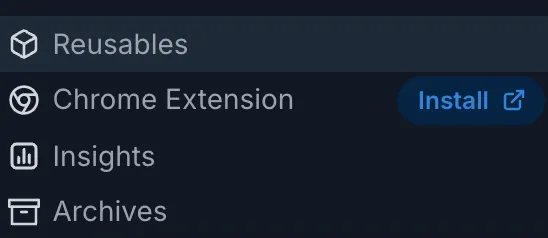
You can access the File Manager from the left navigation panel, located at the bottom left corner of the interface.
Reusables -> File Manager
Key Features
Uploading Files
- Direct UploadEasily upload your files directly within the File Manager window.

- Drag and DropSimply drag and drop files into the File Manager for quick uploading.
Organizing Files
- FoldersSort your files into folders to keep everything organized and easy to locate.
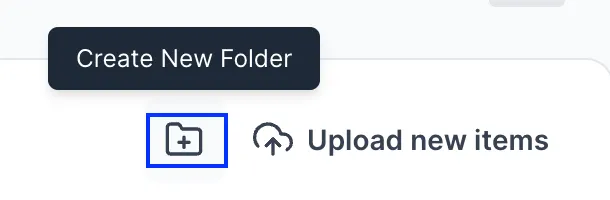
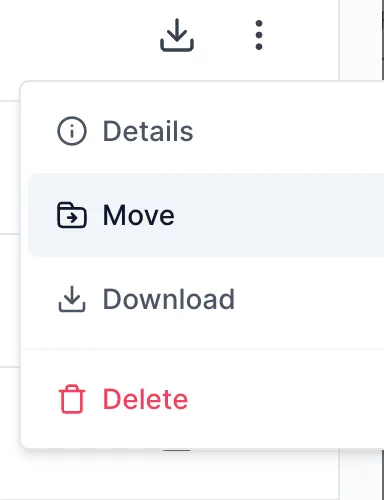
- Move Files:Move files between folders to maintain an organized structure.
File Management
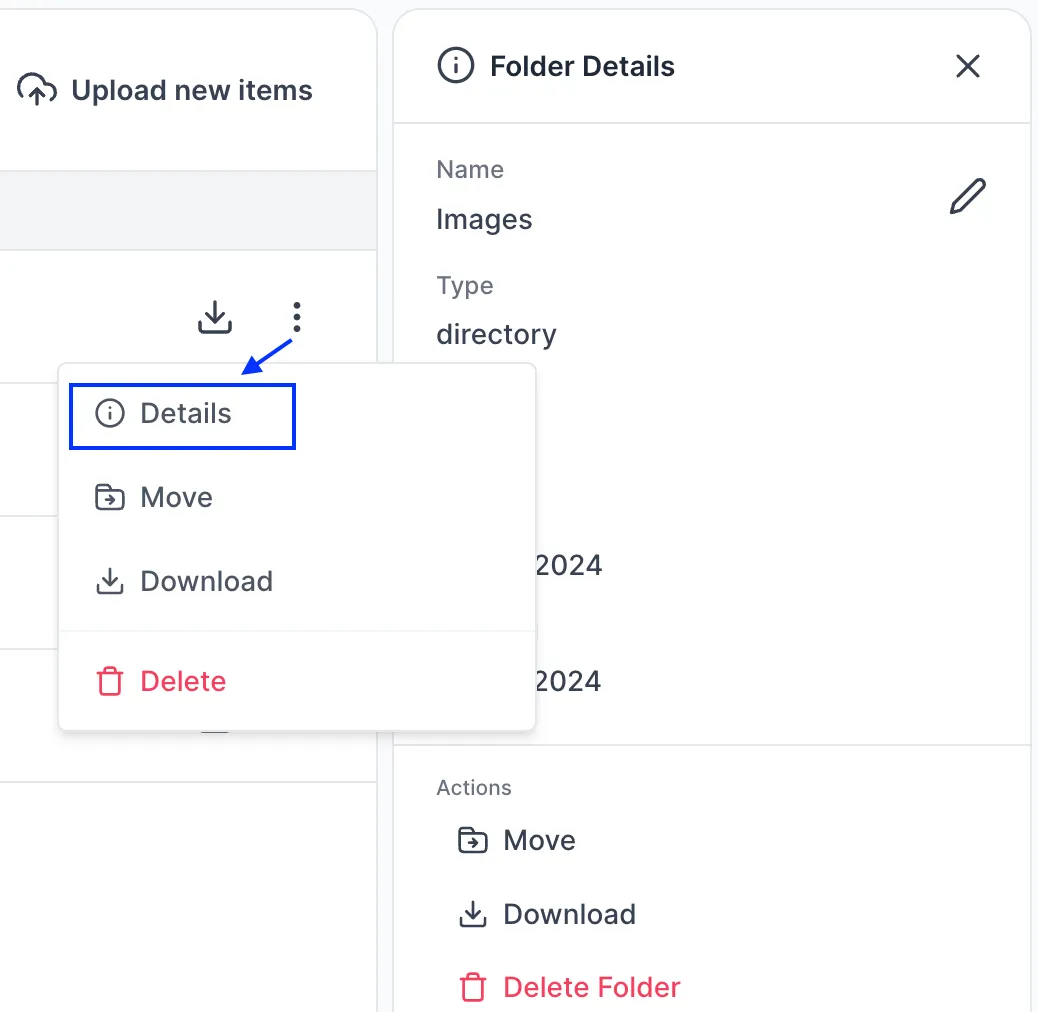
- View DetailsClick on three vertical dots to view the file details, including file name, type, and upload date/modified date.
- DownloadDownload files to your local machine or remove files that are no longer needed.
File Preview
- Image PreviewQuickly preview images directly within the File Manager panel to ensure you select the correct file.
Using Files/Images in the Editor
- Media File block In the Editor, type "/" and select Media -> File or type (file)
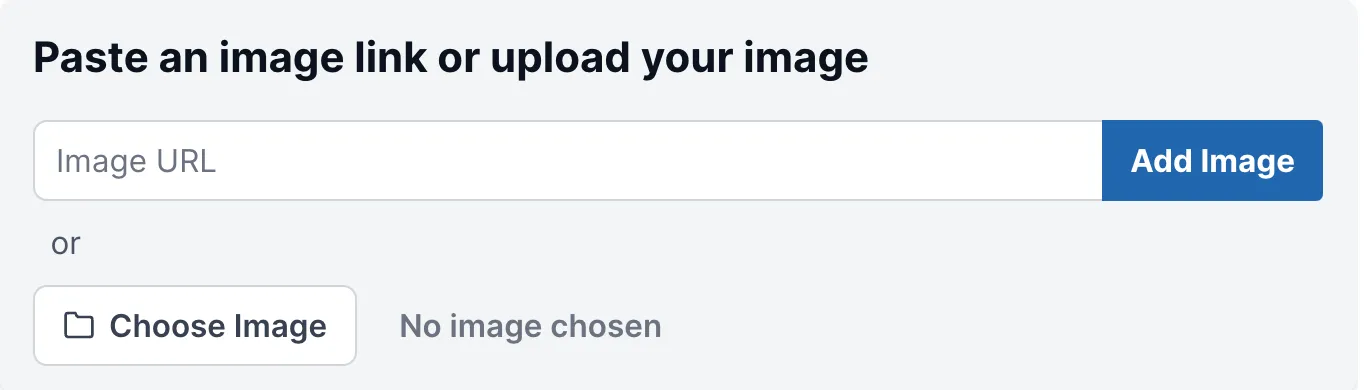
- Media Image block In the Editor, type "/" and select Media -> Image or type (image)
- Choose image from File Manage Choose the desired file or image from the File Manager panel to insert it into your document.
Have a question?
Our super-smart AI, knowledgeable support team and an awesome community will get you an answer in a flash.
To ask a question or participate in discussions, you'll need to authenticate first.