RSS-Feed
Verwenden Sie RSS, um Leser passiv über Dokumentationsaktualisierungen zu informieren, ohne E-Mails oder manuelle Prüfungen.
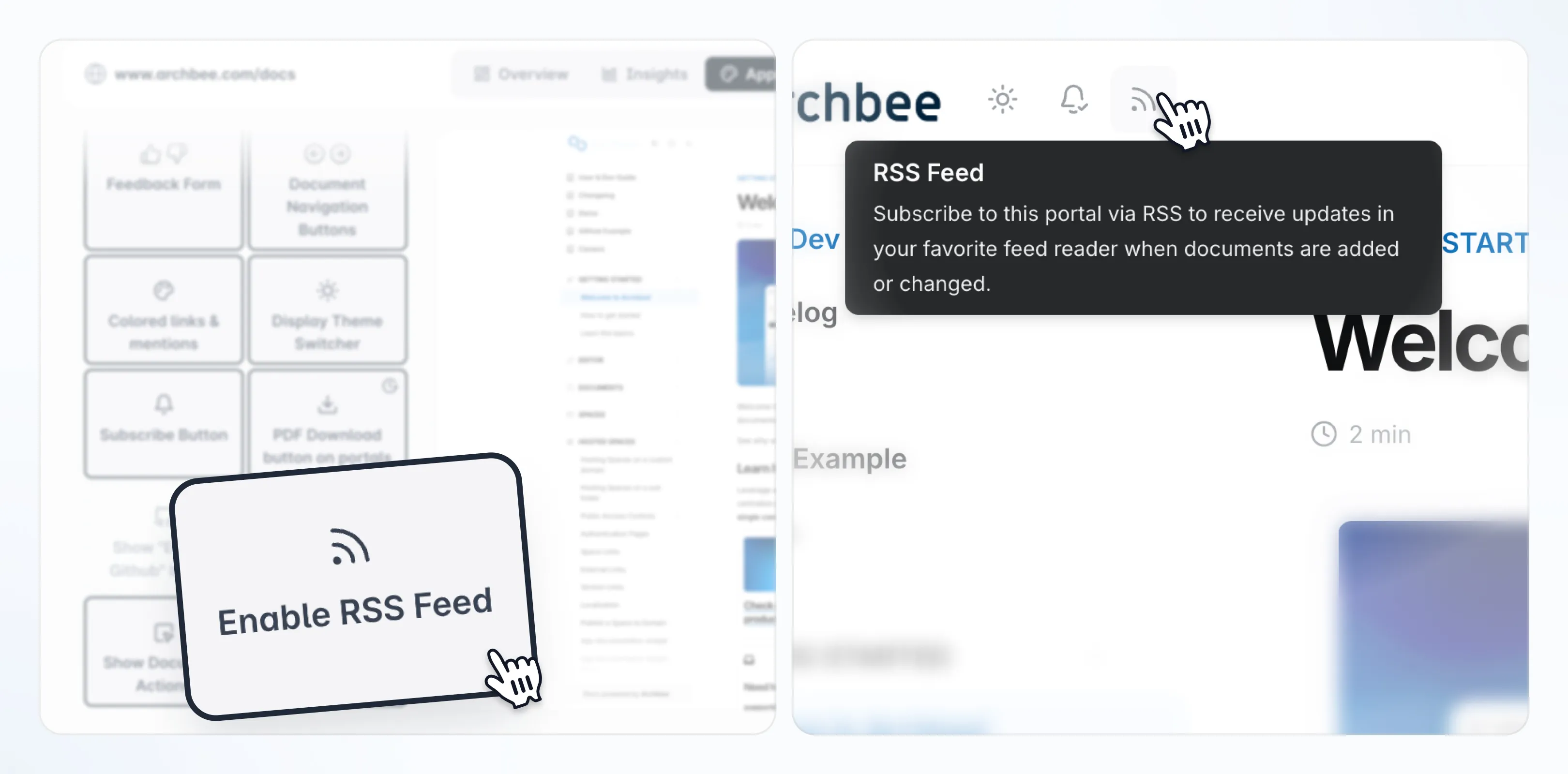
Überblick
Die Funktion RSS-Feed ermöglicht es Lesern, Updates Ihres veröffentlichten Portals mit jedem standardmäßigen RSS-Reader (wie Feedly oder Inoreader) zu abonnieren. Wenn die Funktion aktiviert ist, generiert Archbee einen RSS-Feed für das Portal und zeigt ein RSS-Symbol direkt auf der veröffentlichten Website an.
Dies ist ideal, wenn Sie möchten, dass Kunden oder interne Leser über neu veröffentlichte Inhalte oder Aktualisierungen bestehender Dokumentation informiert bleiben, ohne auf E-Mail-Benachrichtigungen oder manuelle Besuche angewiesen zu sein.
Funktionsweise
Wenn RSS für einen Space aktiviert ist, führt Archbee Folgendes aus:
- Generiert einen RSS-Feed für das veröffentlichte Portal dieses Space
- Zeigt ein RSS-Symbol in der Portal-UI an
- Ermöglicht es Lesern, sich mit jeder kompatiblen RSS-App anzumelden
Nur veröffentlichte Inhalte werden in den Feed aufgenommen.
RSS Feed aktivieren (Space Settings)
Dieser Schritt wird typischerweise von Space-Eigentümern während der ersten Portaleinrichtung durchgeführt, bevor das Portal mit Lesern geteilt wird.
So aktivieren Sie RSS für einen Space:
Öffnen Sie das entsprechende Space-Dashboard.
Klicken Sie auf die Registerkarte Erscheinungsbild .
Aktivieren Sie RSS-Feed.
Scrollen Sie zum unteren Ende der Seite, um den Abschnitt "Potrtal-Interaktion" zu sehen
Veröffentlichen Sie den Space um ihn auf Ihrem Portal zu aktivieren.
RSS wird pro Space in den Einstellungen von Erscheinungsbild aktiviert. Wenn der Space zu einer Raumgruppe gehört, kann diese Einstellung auch über die Einstellungen der Gruppe synchronisiert werden.
Dokumente veröffentlichen (damit sie im Feed erscheinen)
Der RSS-Feed enthält nur Inhalte, die im Portal veröffentlicht wurden. Entwürfe oder unveröffentlichte Aktualisierungen erscheinen erst, wenn sie veröffentlicht werden.
Den Portal-RSS-Feed abonnieren
Sobald RSS aktiviert und das Portal veröffentlicht ist, sehen Leser ein RSS-Symbol auf dem veröffentlichten Portal.
So abonnieren Sie den Feed:
Öffnen Sie das veröffentlichte Portal in einem Browser.
Klicken Sie auf das RSS-Symbol
Abonnieren Sie den Feed mit Ihrem bevorzugten RSS-Reader.
Je nach Browser wird die RSS-URL möglicherweise direkt geöffnet oder das manuelle Kopieren der Feed-URL in eine RSS-App erforderlich.
Empfohlene Anwendungsfälle
RSS funktioniert am besten für Portale, bei denen Aktualisierungen wichtig sind. Häufige Beispiele sind:
Release Notes oder Produkt-Changelogs
API-Dokumentation
Ankündigungen oder Richtlinienaktualisierungen
Best Practices
Damit RSS-Abonnements für Leser wertvoll sind:
- Pflegen Sie einen klaren Abschnitt Was ist neu oder Änderungsprotokoll.
- Veröffentlichen Sie Aktualisierungen konsistent.
- Informieren Sie Leser darüber, dass RSS verfügbar ist (zum Beispiel auf der Portal-Homepage oder während des Onboardings).
- Testen Sie den Feed in mindestens einem beliebten RSS-Reader, um sicherzustellen, dass Aktualisierungen korrekt angezeigt werden.