Insertar símbolos de copyright, registrado y marca comercial
2 min
Puedes añadir ©, ®, y ™ usando atajos de teclado. Funciona tanto en Windows como en macOS.
Insertar símbolos de copyright y marca registrada en Windows:
- Para insertar el símbolo de Copyright (©), presiona Ctrl+Alt+C
- Para insertar el símbolo de Trademark (™), presiona Ctrl+Alt+T
- Para insertar el símbolo de Registered Trademark (®), presiona Ctrl+Alt+R
Aquí tienes cómo escribir los símbolos de copyright, marca registrada y marca comercial en macOS:
- Copyright (©): Option + G
- Trademark (™): Option + 2 (or Option + Shift + 2)
- Registered Trademark(®): Option + R
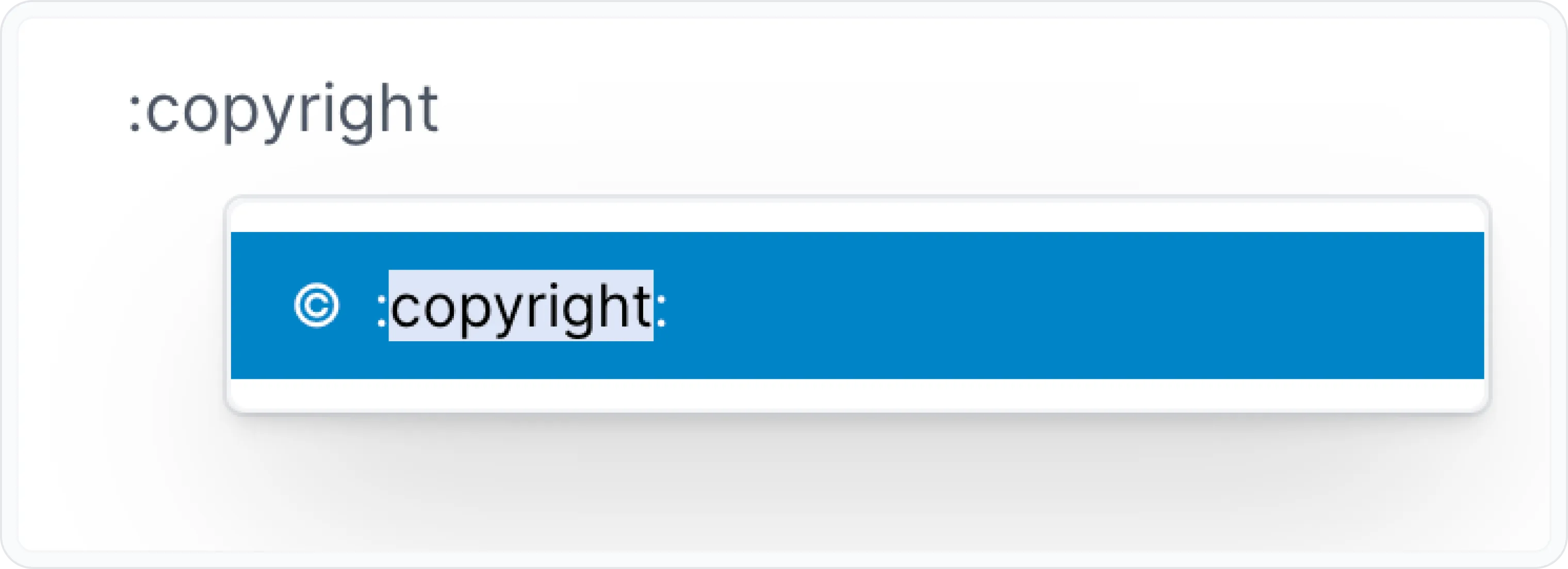
You can also add inline emojis using the Archbee shortcuts : + copyright .
This will open a pop-up where you can search for emojis. Next you can type the keywords: copyright ©️, registered ®️, and trademark ™️.
Have a question?
Our super-smart AI, knowledgeable support team and an awesome community will get you an answer in a flash.
To ask a question or participate in discussions, you'll need to authenticate first.