เวิร์กโฟลว์
เราออกแบบบล็อก เวิร์กโฟลว์ เพื่อช่วยให้คุณสร้างและจัดระเบียบกระบวนการแบบเป็นขั้นตอนในเอกสารของคุณ
บล็อกทรงพลังนี้รองรับการผสานรวมบล็อกอื่นๆ ได้อย่างราบรื่นภายในแต่ละรายการของเวิร์กโฟลว์ เพื่อช่วยให้คุณสร้างเอกสารกระบวนการที่ละเอียดและดูน่าสนใจได้มากยิ่งขึ้น
ทำไมจึงควรใช้?
- ความชัดเจนที่เพิ่มขึ้น ด้วยการแบ่งกระบวนการออกเป็นขั้นตอนที่จัดการได้ง่ายขึ้น คุณจะสามารถเพิ่มความอ่านง่ายและความเข้าใจให้กับผู้ชมของคุณได้
- การจัดระเบียบที่ดีขึ้น บล็อก Workflow มอบโครงสร้างที่ชัดเจนให้กับเนื้อหาของคุณ ทำให้ง่ายต่อการนำทางและทำความเข้าใจ
- ความดึงดูดทางสายตา ดีไซน์ที่สวยงามของบล็อกช่วยเพิ่มคุณภาพการนำเสนอของเอกสารของคุณ
- ความยืดหยุ่น บล็อก Workflow รองรับบล็อกซ้อน ทำให้คุณสามารถเพิ่มรายละเอียดและบริบทเพิ่มเติมในแต่ละขั้นตอนได้
วิธีใช้บล็อก Workflow?
Insert a Workflow block
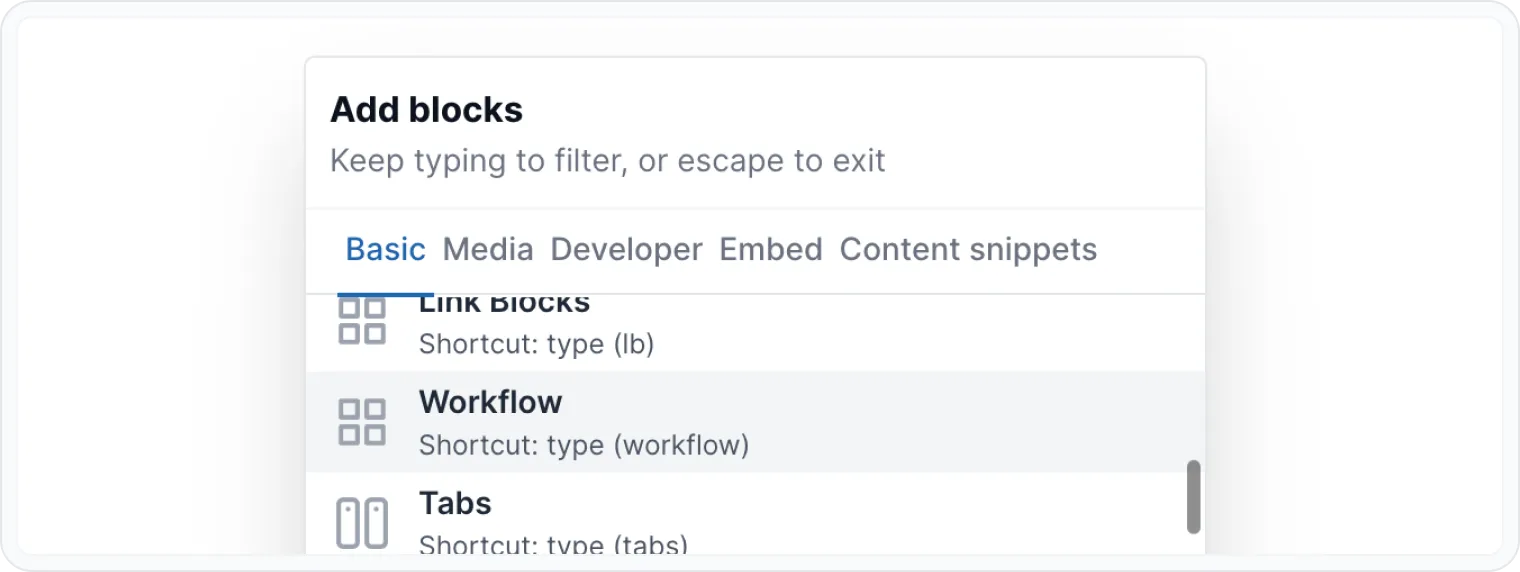
- Press / on an empty paragraph to open Archbee blocks menu, type workflow and press enter. You can also scroll to find the block.
- You can type directly (workflow) in an empty paragraph to change it to workflow block.
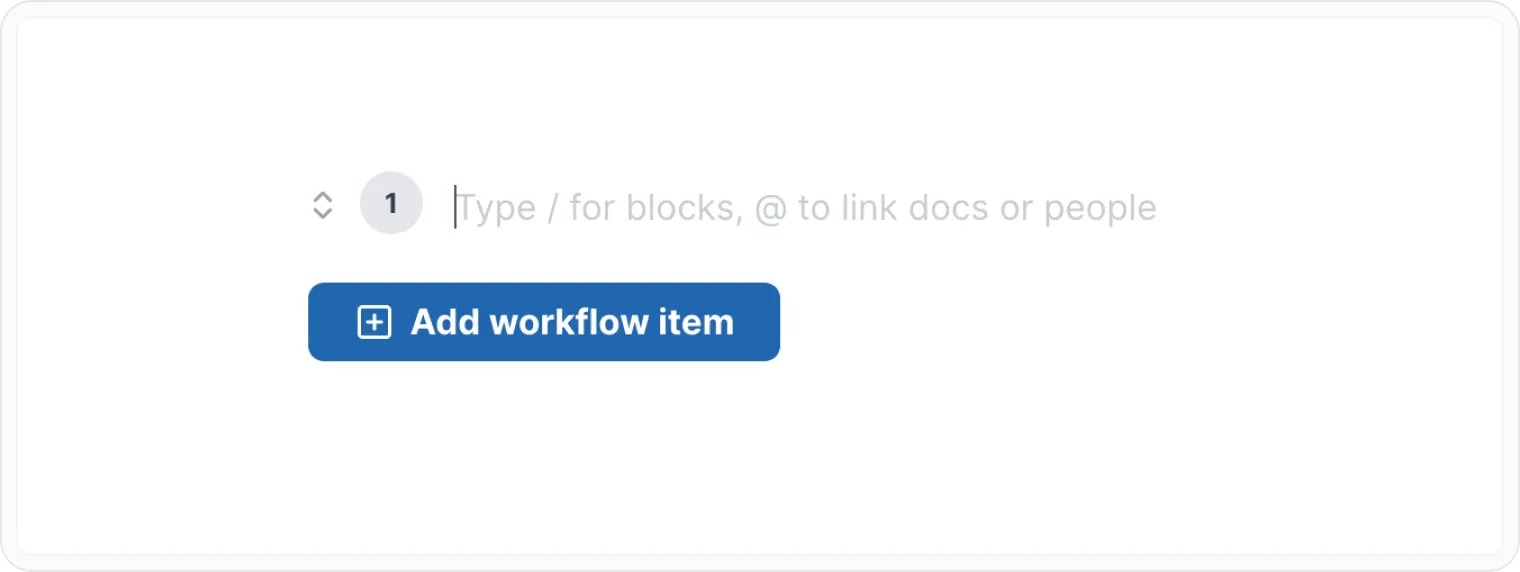
- Click within the step and start typing to create your first step. You can style the content however you like using the WYSIWYG Menu.
Add steps
- Use the + Add workflow item button to create additional steps.
- To edit a step, simply click on it and make your changes.
Reorder steps
Click on move arrows ( ↕ ) and drag & drop steps to rearrange their order within the workflow.
The steps in your Workflow block will automatically renumber as you reorder them.
Delete steps
- Click on a step you want to delete.
- Remove all the content inside of this step.
- Press Backspace delete the step.
The steps in your Workflow block will automatically renumber as you reorder them.
Add nested blocks
Within a step you can add nested content blocks (e.g., images, code, etc.).
Press / on an empty paragraph, inside of a step, to open Archbee blocks menu. Here, you can add:
Basic Blocks
Developer Blocks
Also, most of our integrations work inside workflow block. You can add embeds from other tools like Loom, Figma, Miro, Lucidcharts, and more.
Check the Embeded Blocks page for more info.
ตัวอย่าง
เรารู้ว่าคุณเคยเห็นบล็อกเวิร์กโฟลว์มากมายในเอกสารของเรา แต่บล็อกนี้พิเศษยิ่งกว่าที่เคย
เลือกชิ้นเนื้อของคุณ
- คุณภาพ — เลือกเนื้อคุณภาพดี เช่น ริบอาย สันนอก หรือพอร์เตอร์เฮาส์
- ความหนา — ควรเลือกสเต็กที่มีความหนาอย่างน้อย 2.5 ซม. (1 นิ้ว) เพื่อให้ได้ความนุ่มและฉ่ำที่สุด
การเตรียม
- ซับให้แห้ง — ใช้กระดาษทิชชูซับความชื้นส่วนเกินออก
- ปรุงรส — โรยเกลือและพริกไทยดำบดใหม่อย่างทั่วถึง
- พักเนื้อ — ทิ้งเนื้อไว้ที่อุณหภูมิห้องประมาณ 30 นาที
การปรุง
- ให้ความร้อน — อุ่นเตาย่างหรือกระทะของคุณให้ร้อนสูง (ประมาณ 450°C/840°F)
- ย่าง/เซียร์ — ปรุงประมาณ 3–4 นาทีต่อด้านสำหรับแบบมีเดียมแรร์ หรือปรับตามความชอบ
- พักก่อนเสิร์ฟ — พักเนื้อไว้ 5–10 นาทีก่อนเสิร์ฟ
อร่อยได้เลย!
- หั่น — หั่นเนื้อขวางเส้นใยเพื่อให้ได้เนื้อที่นุ่ม
- เสิร์ฟ — จับคู่กับเครื่องเคียงที่คุณชอบ เช่น มันฝรั่งอบ หน่อไม้ฝรั่งย่าง หรือสลัด
👨🍳 สนุกกับสเต็กที่ฉ่ำและอร่อย 🥩 ที่คุณเตรียมอย่างเชี่ยวชาญ
ค้นหาบล็อกอื่นๆ
ค้นพบวิธีใหม่ๆ และบล็อกต่างๆ เพื่อสร้างหน้าเอกสารที่สวยงามและใช้งานได้ดี
ต้องการความช่วยเหลือ? ⬇️
ใช้ สีฟ้า ไอคอนแชท จากมุมล่างขวา
หรือทดลองใช้ AI Chat (จากกล่องค้นหา) เพื่อรับคำตอบอย่างรวดเร็ว
ความเห็นของคุณสำคัญ
ใช้แบบฟอร์มความคิดเห็นด้านล่างได้ โดยไม่ระบุชื่อ
หรือถามคำถามใน หมวดคำถามและคำตอบ (Q&A) และทีมงานหรือ AI จะให้คำตอบแก่คุณ