Mark as hidden on public docs
3 min
With Archbee, you can mark documents as hidden on public. Use this functionality for multiple purposes:
- When you want to leave your in-progress work unpublished
- Keep documents unpublished until a review has been completed
- Separate your internal documents from public ones within a Space
- For personal notes/suggestions/experiments
How does it work?
From any document (except Personal docs), click the three-dots menu, and then click the Mark hidden on public option to mark/unmark your document as hidden or visible.
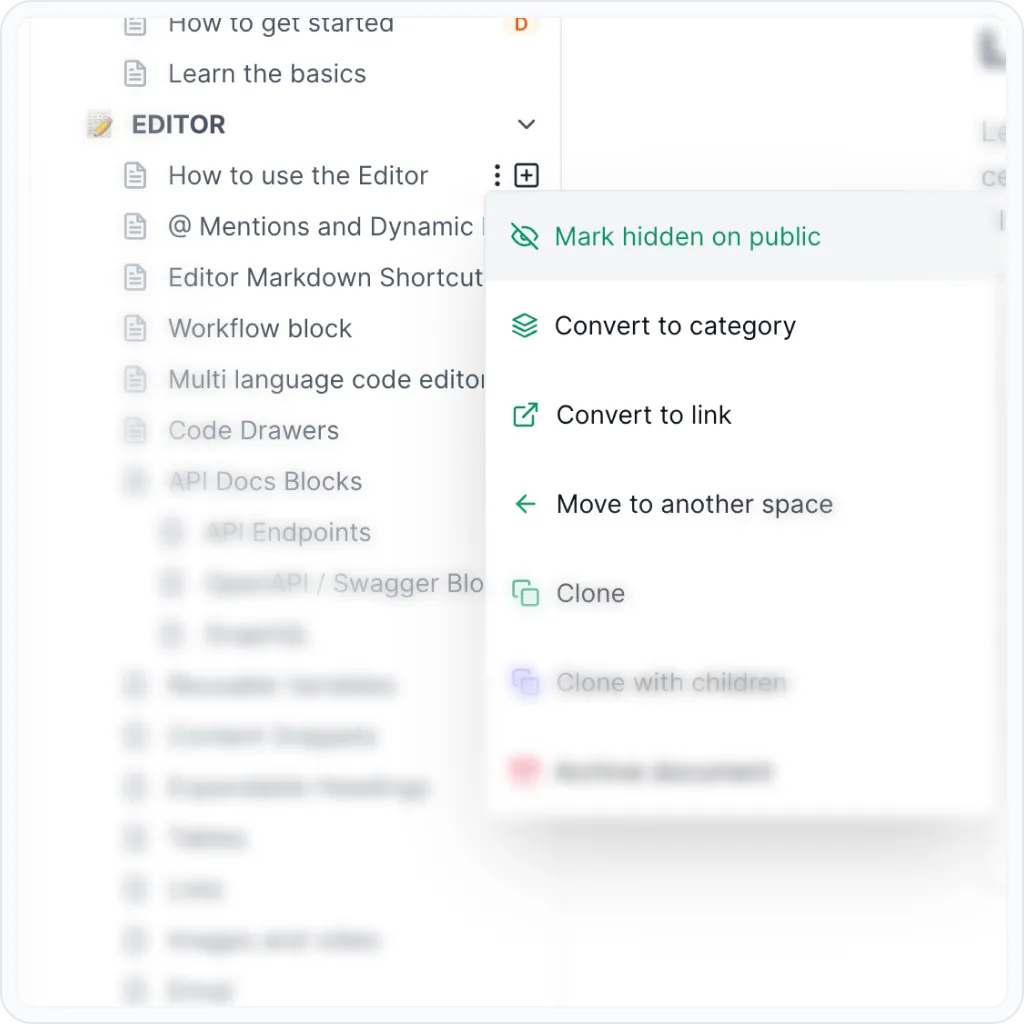
Mark hidden on public
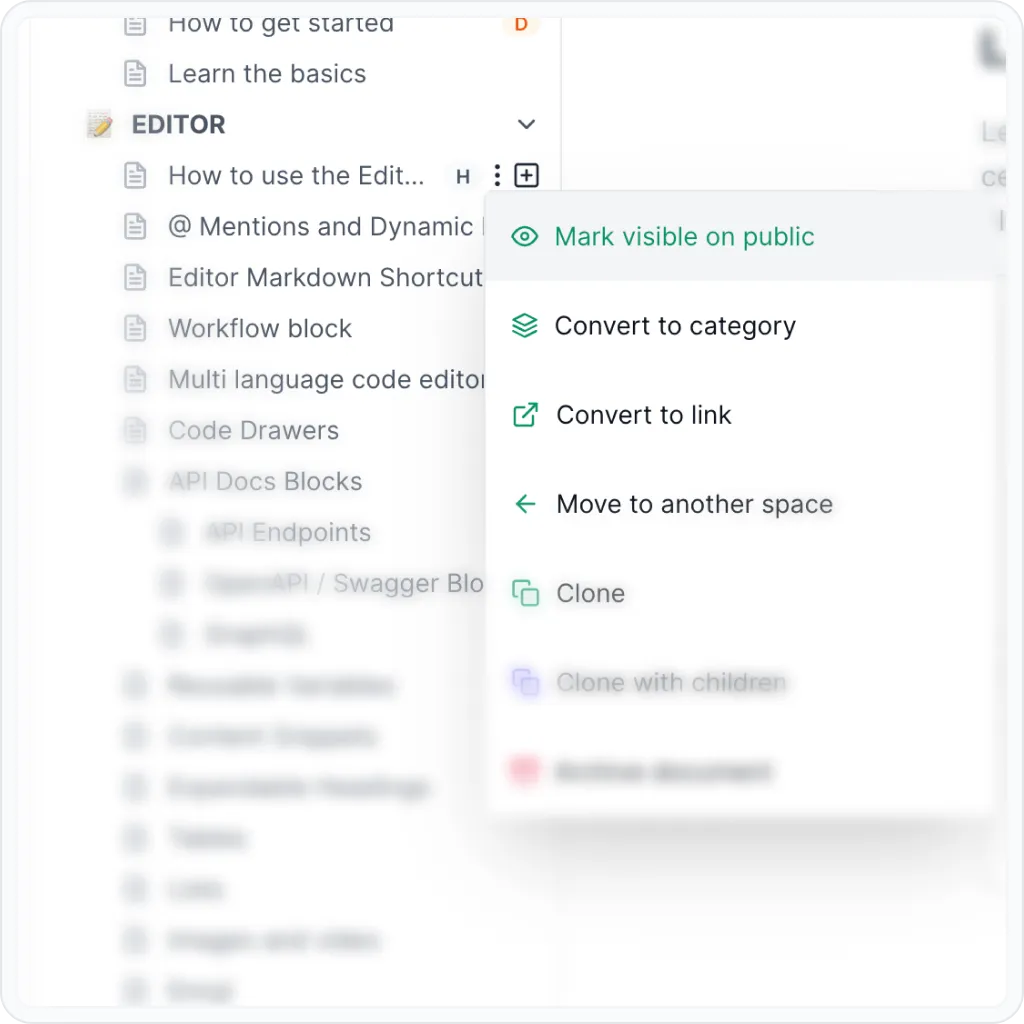
Mark visible on public
- A grey H icon will appear on the right side of the doc's title denoting that this document is hidden from public view.
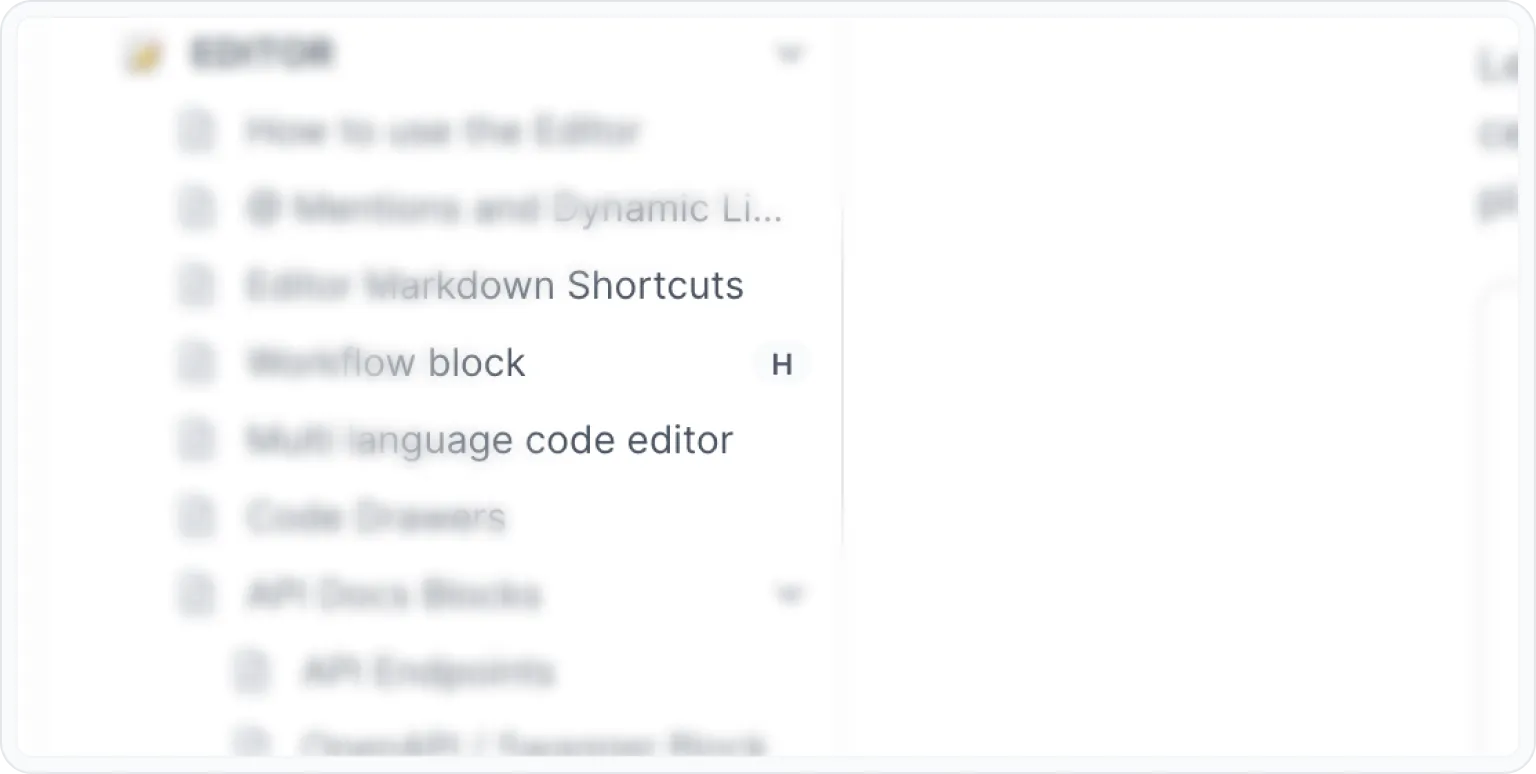
H icon denoting a hidden doc
- A document marked as hidden, along with its children docs, will not be published together with the Space.
- If a Category contains only hidden docs, that Category will not be visible when you publish your Space.
Make sure that you don't forget to hit Publish space after you mark a doc as hidden, otherwise it will still be visible on public.
Have a question?
Our super-smart AI, knowledgeable support team and an awesome community will get you an answer in a flash.
To ask a question or participate in discussions, you'll need to authenticate first.